Development teams evaluating low-code platforms often find that Mendix falls short on pricing, flexibility, or scalability as project demands grow. Comparing it against alternatives like OutSystems, Appian, ServiceNow, and Power Apps reveals meaningful differences in how each platform handles legacy integration, workflow automation, and long-term application modernization tools strategy.
Not every platform fits every team, and the right choice depends on factors like deployment model, licensing structure, and the speed at which developers can realistically ship production-ready apps. Teams looking for a practical starting point alongside these comparisons can explore CodeGiant's enterprise AI platform, which is built to reduce both learning curves and licensing overhead for enterprise app delivery.
Table of Contents
- What is Mendix and What Does It Offer?
- Why Are Enterprise AI Teams Looking for Mendix Alternatives?
- What Should You Look for in a Mendix Alternative?
- 11 Best Mendix Alternatives for Enterprise AI Teams in 2026
- How to Choose the Right Mendix Alternative for Your Team
- Why Enterprise Teams Choose CodeGiant for AI Automation
- Try CodeGiant's Enterprise AI Platform Today
Summary
- Mendix enables up to 10x faster application development compared to traditional coding, and the platform now supports over 300,000 developers building on it. That scale reflects genuine demand from organizations under pressure to modernize legacy systems quickly. However, speed at the prototype stage does not automatically translate to production readiness, particularly for teams deploying AI agents, retrieval-augmented systems, or multi-environment workflows.
- Mendix's cost structure creates a meaningful barrier as AI programs scale. A Forrester Total Economic Impact analysis puts three-year costs at $696,900 for a composite organization, with licensing alone accounting for $525,036 on a present-value basis. Annual spend regularly exceeds $200,000 once additional environments and support tiers are added, which directly competes with budget that would otherwise go toward compute, model fine-tuning, or external API access.
- Vendor lock-in carries strategic risk that goes beyond migration headaches. Applications built inside Mendix's proprietary runtime cannot execute independently once a license ends, meaning business logic effectively lives inside someone else's ecosystem. This matters especially for AI teams: 76% of organizations chose open-source large language models for enterprise AI deployment in 2024, reflecting a strong preference for architectural flexibility across model providers, vector stores, and orchestration frameworks.
- Enterprise AI deployment is accelerating faster than most development platforms were designed to handle. According to Databricks, enterprises deployed 11x more production AI models in 2024 than the year before. That velocity creates pressure on tools that were originally optimized for governed core systems rather than fast-moving agent prototypes or knowledge-graph experiments, where new contributors often spend weeks learning platform-specific concepts before shipping anything.
- Pricing transparency is one of four primary reasons teams seek Mendix alternatives, alongside learning curve, use case fit, and customization limits. Platforms that bury costs in per-environment fees, user tier thresholds, or add-on modules convert growth into recurring vendor revenue. The practical effect is that capital intended for AI infrastructure gets absorbed by licensing renewals instead.
- AI automation can handle 80% of repetitive enterprise workflows without human intervention, but that figure only becomes real when automation connects directly to the systems where those workflows live. Platforms that require teams to rebuild business logic inside a proprietary modeling environment add a translation cost that compounds with every new workflow, and large organizations deploying AI automation report 3x faster processing times compared to manual workflows when deployment, governance, and integration are handled inside a single governed environment.
- CodeGiant's enterprise AI platform addresses this by combining AI generation, deterministic execution, deployment into customer-owned infrastructure, and built-in monitoring inside one platform, so teams can move from experiment to a governed production system without rebuilding on a new proprietary stack.
What is Mendix and What Does It Offer?
Mendix is a model-driven low-code platform for enterprise teams that need to ship production-ready applications faster than traditional development. It gives developers and business analysts a shared visual environment where data models, business logic, and user interfaces come together without requiring code from scratch.
💡 What Makes It Unique: Mendix bridges the gap between technical and non-technical teams by providing a single collaborative workspace — meaning fewer handoffs, fewer bottlenecks, and faster delivery.
Component |
What It Does |
|---|---|
Data Models |
Define and structure your application's data visually |
Business Logic |
Build workflows and rules without writing raw code |
User Interfaces |
Design and deploy front-end experiences in the same environment |
"Mendix enables up to 10x faster application development compared to traditional coding, with over 300,000 developers building on the platform." — Mendix Platform Overview
Mendix enables up to 10x faster application development compared to traditional coding and has over 300,000 developers building on it. Organizations under pressure to modernize backlogs quickly have found it a credible path forward, particularly when internal engineering capacity is stretched thin.
⚠️ Common Misconception: Mendix is not just a prototyping tool — it is a full-scale enterprise platform designed to deliver production-grade applications at speed.
🔑 Takeaway: If your team is facing a growing application backlog and limited engineering resources, Mendix offers a proven, scalable way to close that gap — fast.
How does Mendix actually work in complex enterprise environments?
Mendix's Studio Pro lets teams build domain models, microflows, and pages through drag-and-drop interfaces that convert directly into deployable logic. Professional developers can extend any visual model with custom Java or JavaScript when business requirements exceed pre-built components, keeping Mendix relevant across complex enterprise environments where one-size solutions fail.
What makes Mendix alternatives worth considering as portfolios grow?
Most teams start with email threads, spreadsheet trackers, and manual handoffs between systems. As application portfolios grow and legacy systems multiply, data sits in silos, connections require custom glue code, and governance becomes a guessing game. Our enterprise AI platform at CodeGiant addresses this by letting teams build production-grade apps, APIs, and automations on top of existing infrastructure rather than replacing it, preserving institutional investment while extending capability where it matters most.
What governance and AI capabilities does Mendix ship with?
Mendix comes with AI tooling through its Maia assistant, which creates and improves application parts based on an organization's own setup and data. Every action can be tracked with built-in compliance controls for financial services, healthcare, and manufacturing. Deployment options include public cloud, private cloud, on-premises, and air-gapped environments, so teams don't need to switch platforms to use the tooling.
How deep is the Mendix ecosystem for enterprise modernization?
The platform's marketplace includes over 300 pre-built connectors and 5,000+ modules, widgets, and starter solutions covering enterprise systems like SAP and Salesforce. For teams evaluating low-code platforms or citizen development environments as part of a modernization strategy, this ecosystem depth matters.
Why are teams already exploring Mendix alternatives?
But understanding what Mendix offers is only half the equation. The more revealing question is why so many enterprise AI teams are already looking elsewhere.
Why Are Enterprise AI Teams Looking for Mendix Alternatives?
Enterprise AI teams are moving away from Mendix because their needs have evolved faster than the platform can keep up.
"The pace of AI adoption has outstripped the ability of legacy low-code platforms to evolve — leaving enterprise teams searching for tools built for today's demands, not yesterday's."
🚨 Warning: Sticking with a platform that can't match your AI roadmap is a strategic liability that compounds over time.
💡 Key Insight: The shift isn't about features alone. It's about architectural fit. Enterprise AI teams need platforms designed natively for AI-driven workflows, not retrofitted solutions struggling to catch up.

What Enterprise AI Teams Need |
What Legacy Platforms Like Mendix Deliver |
|---|---|
Native AI/ML integration |
Bolted-on AI capabilities |
Flexible, open architecture |
Vendor lock-in and rigid structures |
Rapid iteration cycles |
Slow release cadences |
Developer-grade extensibility |
Limited customization options |
The Cost Structure Works Against AI Scale
A Forrester Total Economic Impact analysis shows that three-year Mendix costs reach $696,900 for a composite organization, with licensing consuming $525,036 on a present-value basis. This model works for teams building a handful of departmental apps but breaks when deploying a dozen AI agents, spinning up retrieval-augmented systems, and adding staging environments for safe model testing. Per-user and per-app charges compound rapidly, and budget for compute, fine-tuning, or external model access gets absorbed into licensing renewals instead. Teams start with modest Mendix footprints, then watch costs scale as AI ambitions grow. Annual spend regularly exceeds $200,000 once additional environments and support tiers accumulate, creating a fixed cost that competes directly with AI investment.
Prototyping Speed Isn't the Same as Production Readiness
Most teams use company-approved platforms to avoid slow buying processes. But Mendix's visual modeling tools and governance layers were designed for mission-critical systems, not fast-moving agent prototypes or knowledge-graph experiments. New contributors spend weeks learning platform-specific concepts before shipping anything. According to the Databricks State of AI: Enterprise Adoption and Growth Trends, enterprises deployed 11x more production AI models in 2024 than the year before. That velocity demands a development environment built for iteration, not one optimized for enterprise governance overhead.
Why do Mendix alternatives reduce time from experiment to production?
Platforms like CodeGiant solve this problem by connecting to your existing systems. Our enterprise AI platform lets engineering teams build production-grade apps, APIs, agents, and automations without replacing infrastructure. AI teams can move from testing ideas to controlled production systems without starting from scratch.
Lock-In Is a Strategic Risk, Not Just a Technical One
Vendor lock-in with Mendix goes beyond moving your data. Applications built in the proprietary runtime cannot run independently after your license expires, trapping your intellectual property in someone else's system. For AI teams, this risk is significant: according to the Databricks State of AI: Enterprise Adoption and Growth Trends, 76% of organizations chose open-source large language models for enterprise AI deployment in 2024. Teams testing across multiple model providers, vector stores, and orchestration frameworks need freedom to change direction without rebuilding everything. A proprietary platform increases the long-term cost of every architectural decision you make today.
The right alternative is a platform designed to close the gap between AI experimentation and production-grade deployment without sacrificing compliance, control, or enterprise connectivity. CodeGiant provides this flexibility, enabling teams to experiment freely across multiple models and frameworks while maintaining the governance and scalability needed for enterprise deployment.
Related Reading
- Legacy Software Modernization
- Cobol Modernization
- Build Internal Tools
- How To Modernize Legacy Systems
- Legacy System Modernization
- Mainframe To Cloud Migration
- What Is Application Modernization
- Ai Governance
- Technical Debt Management
- Cobol To Java
- Application Modernization Best Practices
What Should You Look for in a Mendix Alternative?
Choosing the right alternative means rejecting the idea that feature parity equals progress. You need a platform that removes the structural constraints driving your search, not one that copies them under a different logo.
"The right alternative doesn't just replicate what you already have — it eliminates the limitations that made you look for a replacement in the first place."
💡 Tip: Before evaluating any Mendix alternative, first document the specific constraints holding your team back. If a new platform replicates those same bottlenecks, it's not a solution — it's a rebrand.
⚠️ Warning: Feature parity is a trap. A tool that matches Mendix checkbox-for-checkbox may still carry the same vendor lock-in, pricing walls, and scalability ceilings that pushed you to search for alternatives in the first place.
What to Look For |
What to Avoid |
|---|---|
Removes structural constraints |
Copies existing limitations |
Genuine architectural flexibility |
Surface-level feature matching |
Transparent, scalable pricing |
Hidden costs at growth stages |
Open or portable data model |
Deep vendor lock-in |
Strong governance & extensibility |
Rigid, closed ecosystems |

Portability and open architecture
When your application logic lives inside a proprietary runtime, you don't own your software; you lease access to it. The failure point remains invisible until it becomes expensive. Seek platforms that generate portable code, support self-hosted deployment, or run on standard runtimes your team controls. Low-code development platforms can reduce application development time by up to 10 times compared to traditional coding, but that speed advantage vanishes when proprietary architecture forces a full rebuild each time requirements shift or a new AI framework enters your stack.
Pricing that doesn't punish growth
Clear pricing matters more than the starting price. Platforms that hide costs inside per-environment fees, user tier thresholds, or add-on modules turn your growth into their revenue. Pricing ranks among the top four reasons teams seek Mendix alternatives, alongside learning curve, use case fit, and customization limits. A platform that scales cleanly with your actual usage keeps your budget focused on AI infrastructure and model development rather than vendor invoices.
How do short proofs of concept miss what production deployment reveals?
Most teams evaluate platforms by building feature comparison matrices, checking analyst rankings, and running short proofs of concept. This measures capability at the starting line, not what happens when you deploy a production-grade AI agent across three regulated environments six months later. Platforms like CodeGiant address that gap by connecting existing enterprise systems, enforcing governance at creation time, and deploying anywhere without requiring teams to rebuild what already works.
Developer workflows that don't create friction
Pick platforms that align with your current development practices rather than demanding replacement. Native Git integration, CI/CD pipeline support, and standard testing frameworks are essential for teams working quickly while maintaining change tracking. Closed visual IDEs accelerate early prototypes but create friction when senior engineers need to branch, review, or debug production systems. Open architecture enables AI teams to integrate external large language models, vector databases, and orchestration frameworks without rebuilding the application layer.
Governance that enables rather than obstructs
The right governance model enforces compliance at the point of creation, not as a review process weeks behind development. Role-based access, audit trails, and policy enforcement should feel built in, not bolted on. Over-engineered approval chains designed for core banking systems will slow an AI prototype that needs to move from concept to tested deployment in days. Effective platforms calibrate controls to the workload's risk profile, giving IT full visibility while keeping development teams productive.
Related Reading
- As400 Modernization
- Enterprise Ai Governance
- Public Sector Digital Transformation
- Mendix Alternatives
- OutSystems Alternatives
- Appian Pricing
- Ai Agent Pricing
- Outsystems Vs Mendix
11 Best Mendix Alternatives for Enterprise AI Teams in 2026
Enterprise AI teams need infrastructure that supports AI agents, workflow automation, model orchestration, secure deployments, enterprise integrations, and deployment control. The best Mendix alternatives combine modern AI capabilities with enterprise-grade governance, which allows faster development without compromising security or scalability.
"The best Mendix alternatives combine modern AI capabilities with enterprise-grade governance — enabling faster development without sacrificing security or scalability."
💡 Tip: When evaluating Mendix alternatives, always prioritize platforms that offer both AI-native tooling and enterprise governance out of the box — retrofitting either capability is costly and time-consuming.
Capability |
Why It Matters for Enterprise AI Teams |
|---|---|
AI Agent Support |
Enables autonomous, multi-step task execution at scale |
Workflow Automation |
Reduces manual overhead and accelerates delivery |
Model Orchestration |
Coordinates multiple AI models across complex pipelines |
Secure Deployments |
Protects sensitive data and meets compliance requirements |
Enterprise Integrations |
Connects seamlessly with existing systems and toolchains |
Deployment Control |
Gives teams flexibility across cloud, on-prem, or hybrid environments |
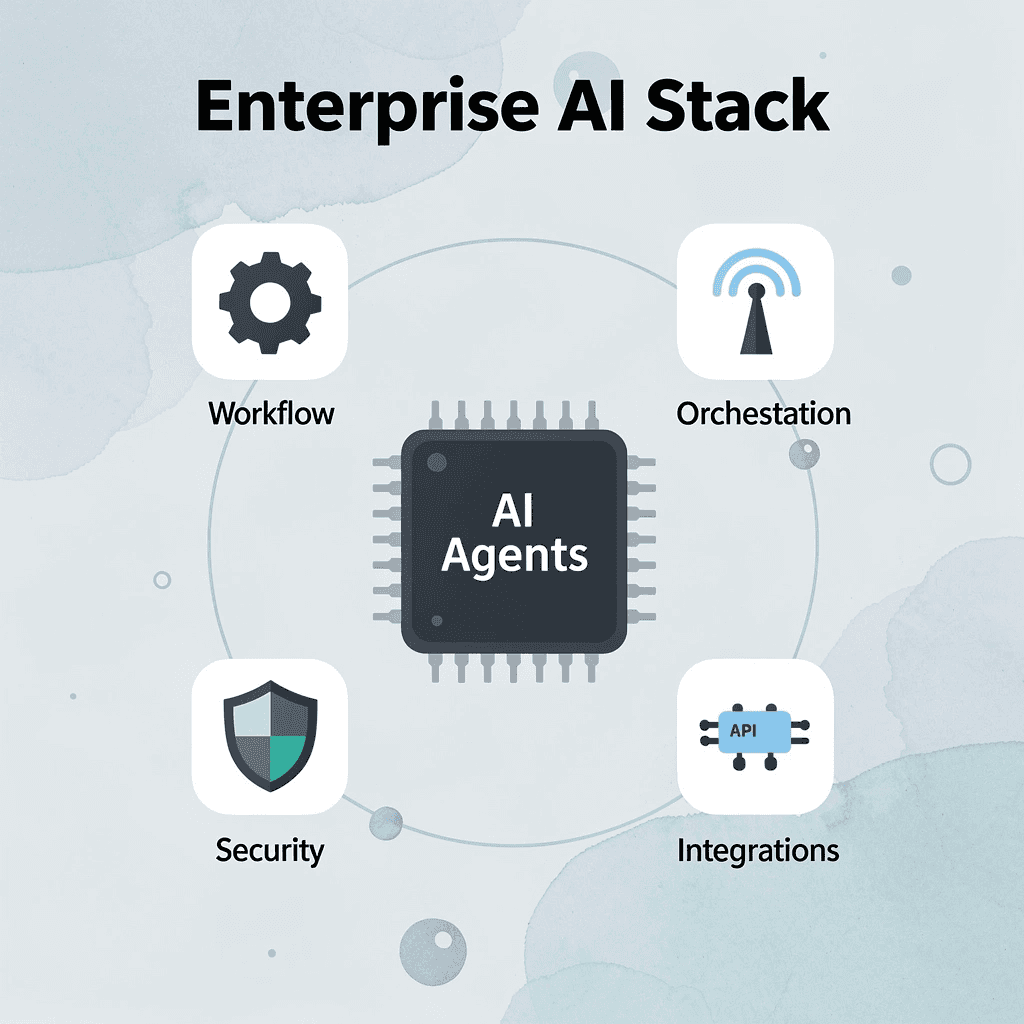
Below are the best Mendix alternatives for enterprise AI teams in 2026, starting with the strongest choice for production-grade AI applications.
⚠️ Warning: Not every low-code platform marketed as "AI-ready" delivers true production-grade AI capabilities. Evaluate runtime performance, governance controls, and scalability under enterprise workloads beyond surface-level features.
🎯 Key Point: The platforms ranked below were selected for their ability to support real-world enterprise AI deployments, not rapid prototyping or demo environments.
1. CodeGiant
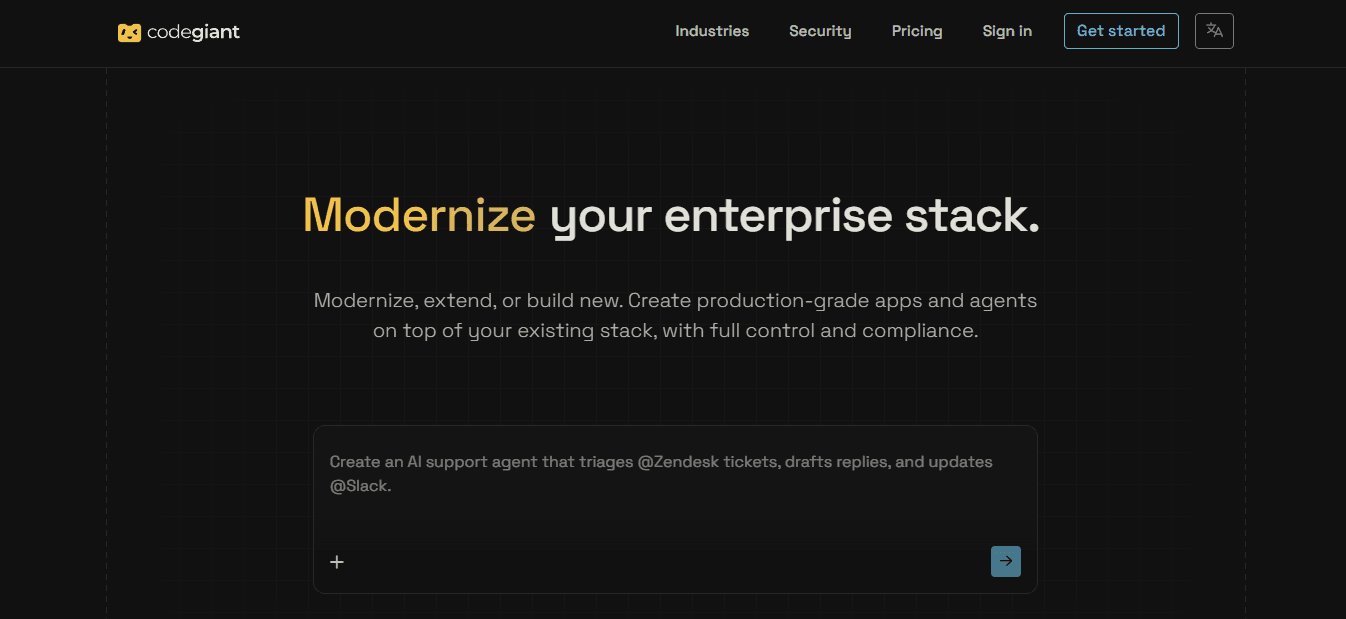
CodeGiant is an enterprise modernization platform that lets teams modernize, extend, or build new production-grade applications, AI agents, and automations directly on top of their existing technology stack while retaining full control and compliance. It moves organizations from AI experimentation and prompts to reliable production systems through a combination of AI generation, deterministic automation, and enterprise governance, supporting critical workloads across industries without requiring a full rip-and-replace of current systems.
Features
- App Builder that turns prompts into production-grade web and mobile applications
- Agent Builder that turns prompts into production AI agents
- Workflow Builder that turns prompts into production automations
- Embedded Cursor-style IDE for last-mile engineering and refinement
- Harness Engine that supports new applications, legacy migration, system transformation via plugins, and custom workflow tailoring
- Automation, Workflow, and Agent Engine combining AI generation with deterministic execution and enterprise control
- Thousands of secure connectors for instant integration with modern SaaS and data systems (including Salesforce, Slack, DocuSign, HubSpot, Snowflake, Databricks, OpenAI, and many others)
- One-click deployment into customer infrastructure across multiple clouds (Cloudflare, AWS, Azure, Google Cloud, Oracle Cloud, DigitalOcean, Fly.io, Alibaba Cloud, and more)
- Intelligent AI SRE providing 24/7 automated monitoring, triaging, and error tracing
- Support for human-in-the-loop approvals, timeout rules, and governed branching in workflows
- Legacy modernization pipelines (including COBOL to Java Quarkus) with automated logic extraction, data mapping, dependency resolution, and conversion
- Built-in enterprise security with SOC2 and GDPR compliance protocols
Best For
Enterprise AI teams and organizations that need to modernize mission-critical systems, deploy production agents and automations on their existing stack, maintain full control and compliance, and move rapidly from prompts or AI demos to reliable production without lock-in or wholesale platform replacement. Especially suited for technology, financial services, insurance, government, manufacturing, airlines, telecommunications, and healthcare environments.
Pros
- Deploys applications, agents, and automations directly into the customer’s own infrastructure, removing runtime lock-in
- Operates on top of the existing stack so teams modernise and extend systems without full replacement
- Combines AI generation with deterministic automation and enterprise control in one governed flow
- Supports production readiness from the start, including monitoring, observability, and compliance
- Offers modernization of legacy systems (including COBOL environments) at a fraction of traditional cost through specialized harnesses
- Provides Forward Deployed Engineers and high-touch support in the Modernize tier for complex real-system work
- Enables rapid movement from AI experimentation to production systems while preserving governance and reliability
Cons
- Full modernization capabilities and universal cloud options are concentrated in the higher Modernize tier
Accessibility
Access begins with a demo request for both the Build tier (production apps, agents, and automations with core deployment and connectors) and the Modernize tier (adds engineering partnership, broader cloud support, enterprise harnesses, custom infrastructure including air-gapped options, and Forward Deployed Engineers). The platform is engineered for enterprise teams that need control, compliance, and production reliability while working alongside existing technology stacks.
2. Superblocks
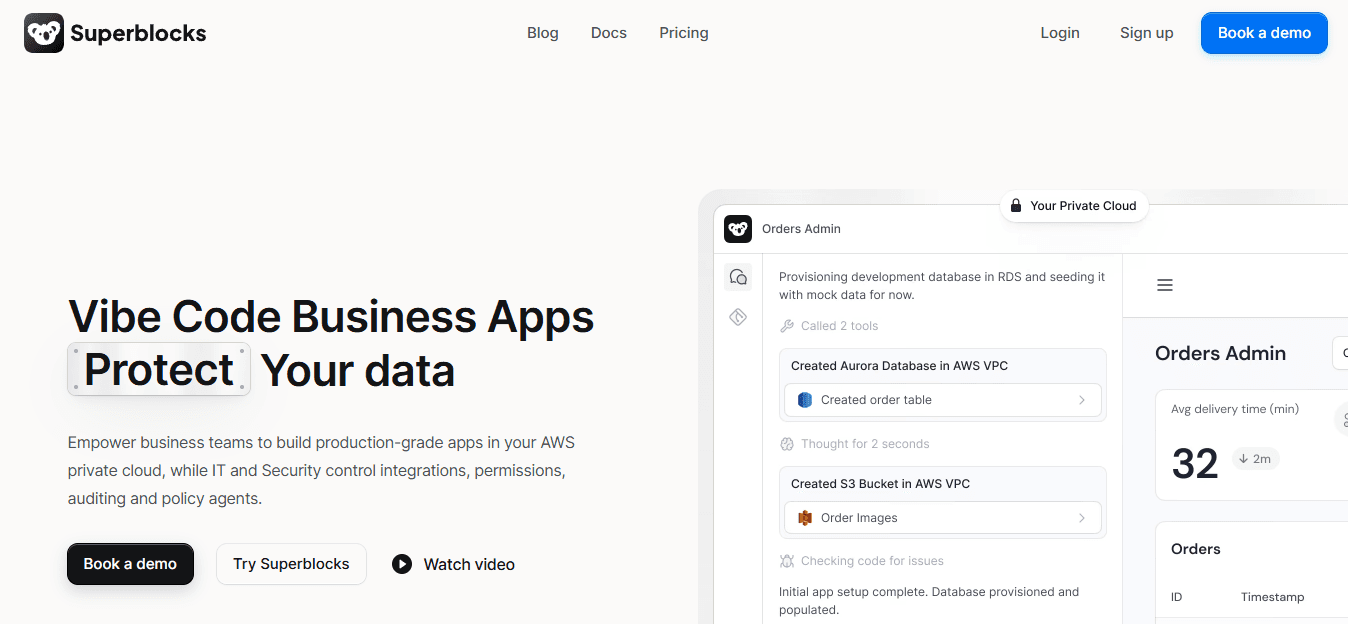
Superblocks is an AI-powered platform designed for building governed internal applications, workflows, and AI-driven tools at enterprise scale. It emphasizes rapid generation through natural language while producing portable React code that teams fully own, directly solving lock-in and cost unpredictability for AI and operations teams.
Features
- Clark AI agent that generates apps, queries, and logic from natural language with governance awareness
- Visual editor combined with full React code export and extensibility
- Centralized RBAC, SSO, audit logs, and observability
- Support for internal tools, automations, and scheduled jobs
- Hybrid and cloud-prem deployment options
- Integration with enterprise data sources under existing permissions
- Design system and coding standard enforcement for consistent output
Pros
- Applications export as standard React code, removing proprietary runtime dependency
- AI generation stays within organizational security and design guardrails
- Flexible pricing based on creators and users rather than opaque per-app fees
- Strong fit for internal AI tools and operational applications
Cons
- Fully on-premises hosting options remain limited in some configurations
- Enterprise pricing is custom and scales with usage volume
Accessibility
Available via free trial leading to team and enterprise plans. Accessible to professional developers and technical business users through AI-assisted and visual interfaces.
3. OutSystems
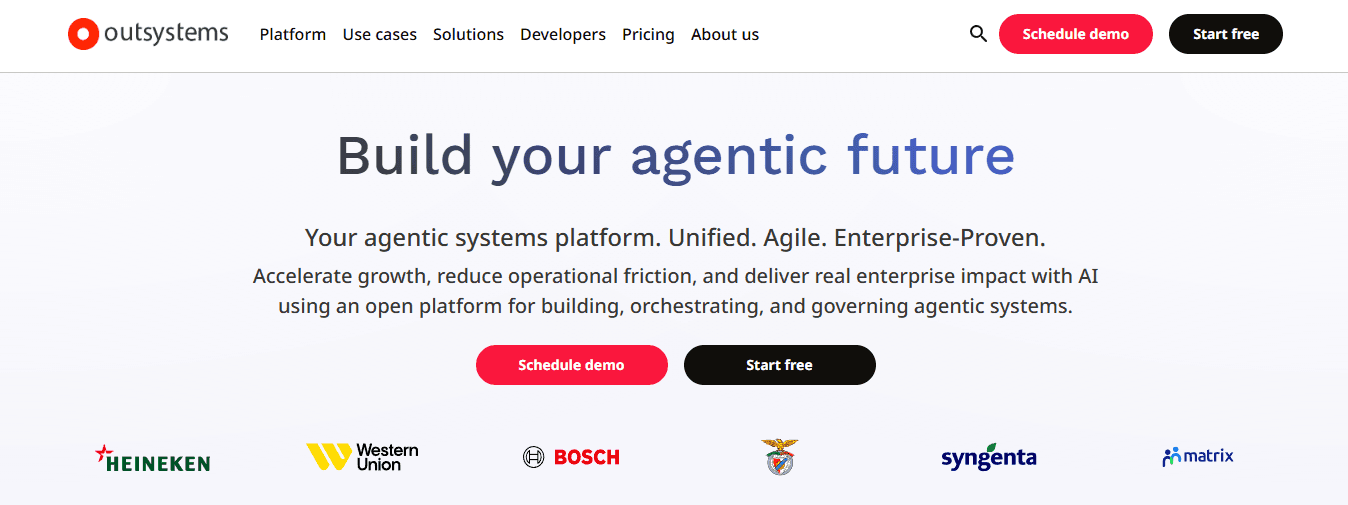
OutSystems is a full-stack low-code platform focused on high-performance enterprise applications and AI-assisted development. It supports complex multi-experience solutions while providing AI tools that help identify architecture issues and accelerate delivery for teams building mission-critical intelligent systems.
Features
- Visual development environment with AI Mentor for performance and architecture guidance
- Native support for web, mobile, and progressive experiences from a single model
- Strong integration capabilities with enterprise systems
- Built-in DevOps, CI/CD, and one-click deployment
- AI-assisted development features for code suggestions and bottleneck detection
- Scalable cloud and on-premises deployment options
- Governance and security controls suitable for regulated environments
Pros
- Proven at large scale for complex, high-transaction applications
- AI tools improve code quality and reduce technical debt during development
- Flexible deployment reduces some lock-in concerns compared with purely proprietary runtimes
- Strong analyst recognition for enterprise execution
Cons
- Higher cost structure typical of full enterprise platforms
- Learning curve remains present for teams new to its full feature set
Accessibility
Enterprise licensing model. Best suited for professional development teams and fusion groups with IT oversight; free trial options exist for evaluation.
4. Appian
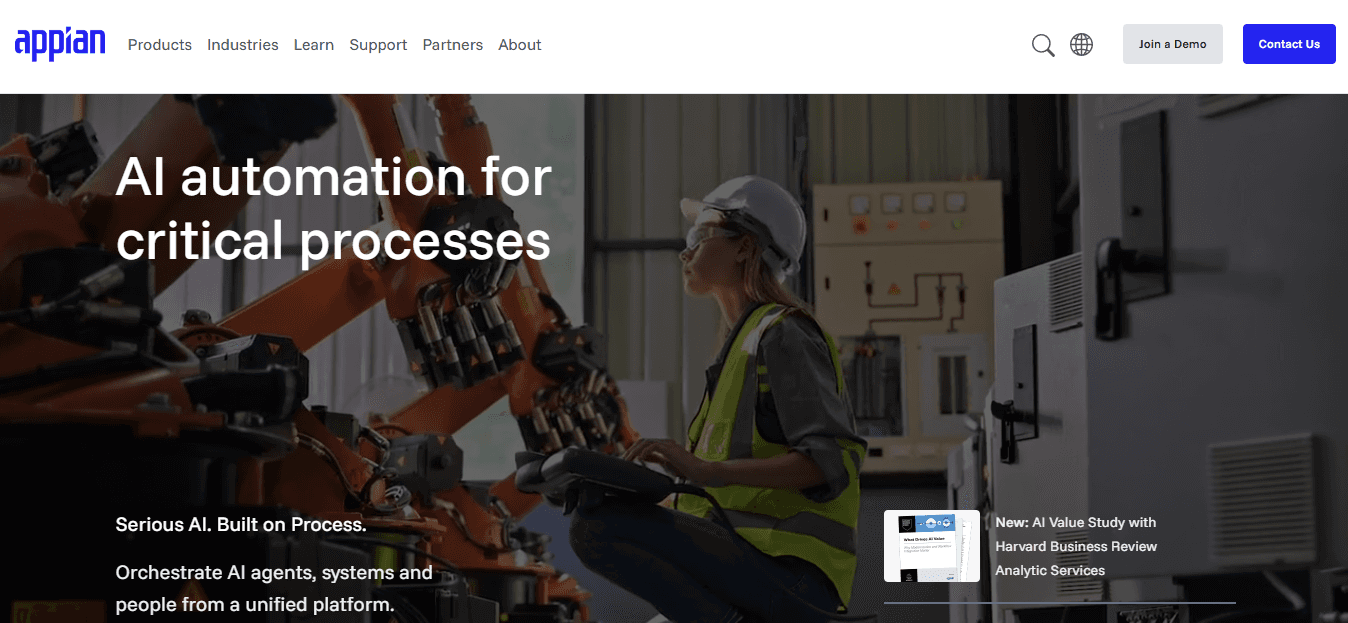
Appian specialises in process automation, case management, and low-code application development with integrated AI capabilities. It helps enterprise AI teams orchestrate complex workflows that combine human and intelligent agents while maintaining strong governance and data integrity.
Features
- Low-code process and case management modelling
- AI skills and decisioning capabilities embedded in workflows
- Robotic process automation integration
- Strong data fabric and integration layer
- Mobile and multi-channel application support
- Built-in compliance, audit, and security controls
- Cloud and on-premises deployment flexibility
Pros
- Excellent for process-heavy AI use cases that require orchestration across systems
- Governance is mature and enterprise-ready without excessive overhead for core processes
- Supports hybrid human-AI workflows effectively
- Transparent focus on business process outcomes
Cons
- Less emphasis on free-form application UI customization compared with pure app builders
- Pricing is enterprise-oriented and quote-based
Accessibility
Primarily enterprise sales with evaluation options. Accessible to process experts and professional developers; citizen contributions are supported within governed frameworks.
5. Microsoft Power Platform
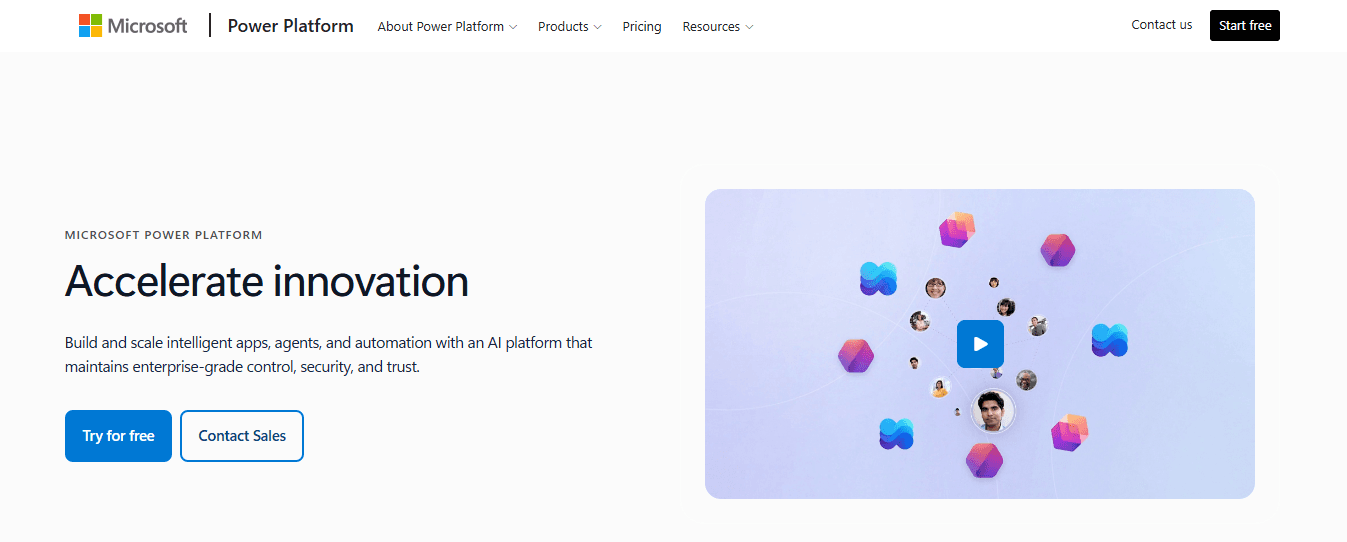
Microsoft Power Platform (including Power Apps, Power Automate, and Copilot Studio) enables low-code development of applications and AI agents tightly integrated with the Microsoft ecosystem. It allows teams to build custom agents and apps using natural language and visual tools while leveraging existing Microsoft 365 and Azure investments.
Features
- Copilot Studio for creating and managing AI agents with natural language or graphical interfaces
- Power Apps for rapid application building with AI assistance
- Deep integration with Microsoft 365, Azure, and Dataverse
- Power Automate for workflow and RPA capabilities
- Enterprise security, compliance, and administrative controls
- Low-code to pro-code extensibility
- Publishing agents across Microsoft channels and custom endpoints
Pros
- Leverages existing Microsoft licenses and infrastructure, improving cost predictability for Microsoft-centric organizations
- Strong AI agent capabilities through Copilot Studio
- Broad accessibility for both citizen and professional developers
- Mature governance and security within the Microsoft stack
Cons
- Best value and performance appear inside Microsoft environments
- Advanced customization can still require professional development skills
Accessibility
Wide accessibility through Microsoft 365 licensing tiers, free developer plans, and enterprise agreements. Suitable for business users, citizen developers, and professional teams.
6. Creatio
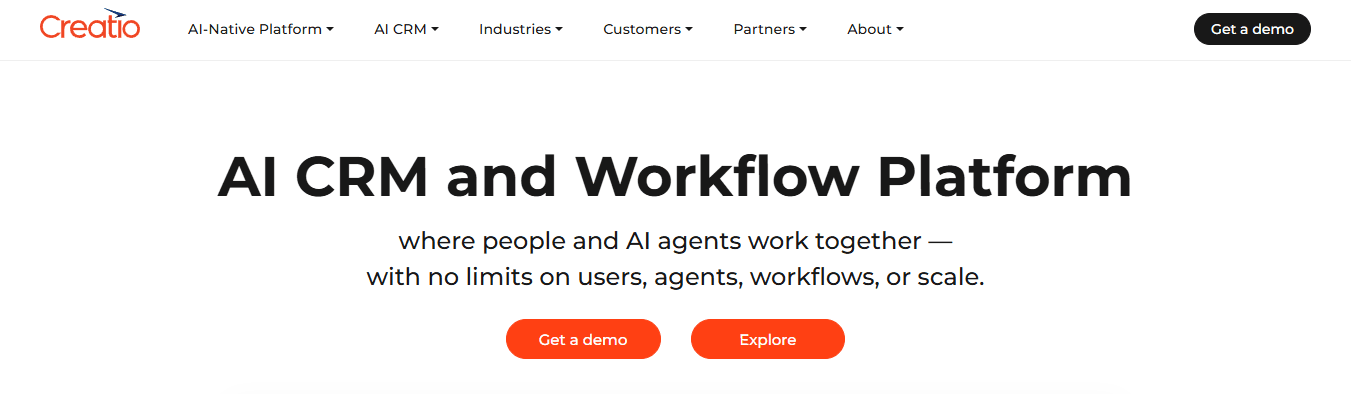
Creatio is an AI-native CRM and workflow platform that unifies customer management, process automation, and low-code application development in a single environment. It enables enterprise AI teams to design, deploy, and scale agentic workflows where people and AI agents collaborate, addressing complexity and accessibility barriers through no-code tools and built-in AI assistance that accelerate delivery without heavy proprietary constraints.
Features
- No-code visual designers paired with AI coding agents for application and process creation
- Dedicated AI Agent Builder allowing business users to create and customize agents via natural language
- Unified CRM capabilities across sales, marketing, and service with embedded agentic AI
- Ready-to-use industry workflows and composable architecture
- AI-assisted process optimization and next-best-action recommendations
- Enterprise governance, access controls, and scalability for midsize to large organizations
- Integration with existing enterprise tools while supporting end-to-end automation
Pros
- Strong accessibility for non-technical users through no-code and AI agents
- Combines CRM, workflows, and app building under one platform, reducing tool sprawl
- Focus on fast time-to-value and agent collaboration
- Supports unlimited users and agents in its architecture
Cons
- Deepest value appears when organizations leverage its full CRM and workflow suite
- Enterprise pricing follows a quote-based model
Accessibility
Designed for both business users and professional teams. No-code interfaces and AI agents lower the barrier for citizen contributors while IT retains governance. Evaluation and demo options available.
7. Retool
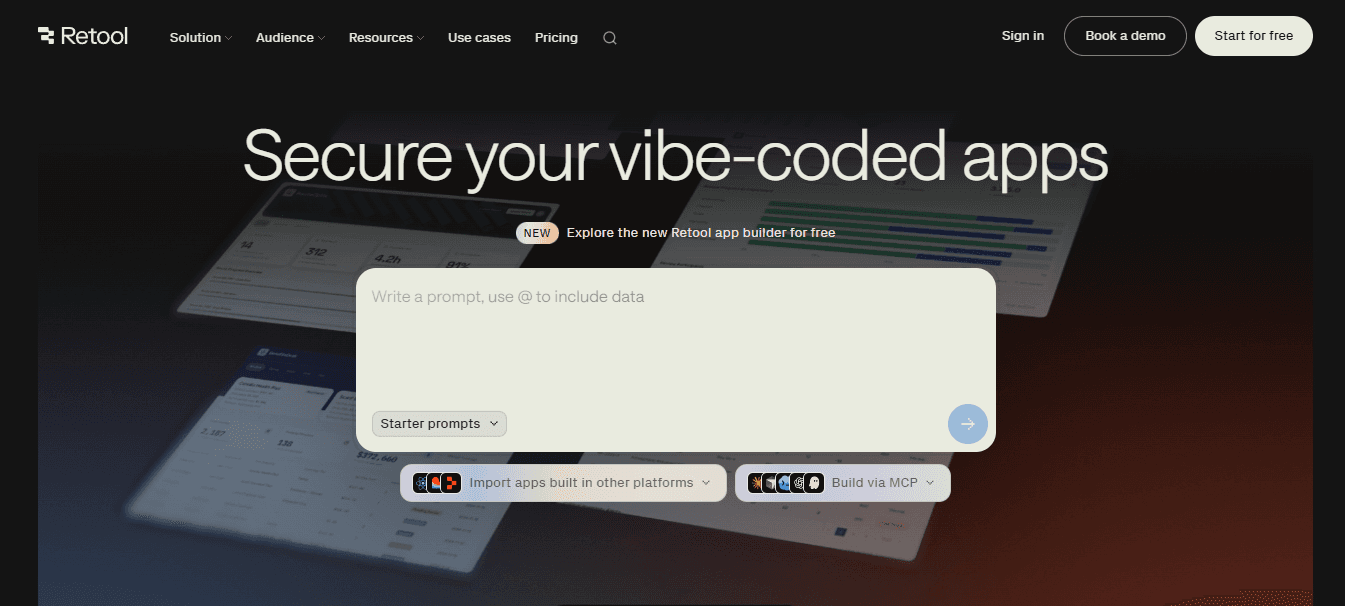
Retool is a platform built for rapidly creating internal tools, admin panels, and operational applications with strong data connectivity and AI assistance. It helps enterprise AI teams ship production-ready interfaces connected to databases, APIs, and LLMs while providing enterprise security controls from the start, though teams must weigh its proprietary nature against speed gains.
Features
- AI-powered app generation from natural language descriptions with schema awareness
- Extensive native connectors to databases, APIs, and external services
- Visual builder combined with JavaScript extensibility for custom logic
- Built-in authentication, RBAC, audit logging, and governance
- Support for web and mobile internal applications
- Workflow and automation capabilities alongside apps
- Enterprise features including source control and advanced permissions on higher tiers
Pros
- Extremely fast for internal tools and operational AI interfaces
- Production-ready security and governance included early
- Flexible connection to existing data and LLM sources
- Strong developer experience with code escape hatches
Cons
- Applications remain tied to the Retool runtime with limited export options
- Per-user pricing can escalate as internal user counts grow
- Advanced features such as SSO often require higher tiers
Accessibility
Free tier and paid plans starting at accessible per-user rates for smaller teams; Enterprise for larger scale. Primarily suited to technical builders and operations teams, with AI lowering the entry point for app generation.
8. ServiceNow App Engine
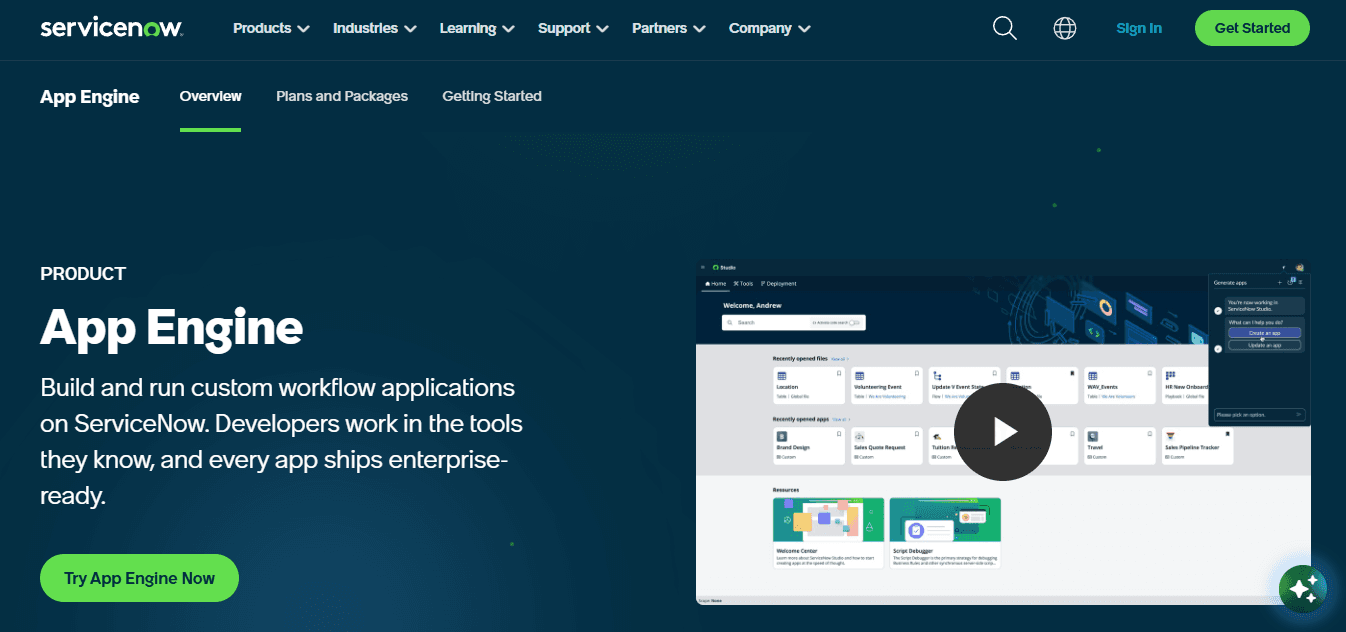
ServiceNow App Engine is a low-code platform within the broader ServiceNow AI Platform that lets teams build custom enterprise applications, workflows, and AI agents using natural language and visual tools. It solves governance and scale challenges by embedding AI agents into existing ServiceNow processes while providing centralized control for large organizations.
Features
- Build Agent that generates apps, workflows, UI, and AI agents from plain language descriptions
- AI Agent Studio for creating, customizing, and governing specialized agents
- Integration with ServiceNow data, workflows, and enterprise knowledge
- Low-code to pro-code development environments
- Built-in testing, deployment, and management center for applications
- Support for agentic workflows across departments
- Enterprise security, compliance, and AI Control Tower oversight
Pros
- Deep integration with existing ServiceNow investments reduces complexity
- Natural language generation speeds AI agent and app creation
- Mature enterprise governance and scalability
- Agents operate with business context from day one
Cons
- Highest value realized inside the ServiceNow ecosystem
- Pricing and packaging are enterprise-oriented and quote-based
Accessibility
Available through ServiceNow licensing tiers with evaluation options. Accessible to low-code builders, professional developers, and process owners; AI tools expand reach for broader teams.
9. Pega
Pega is an AI-powered platform focused on case management, business process automation, and decisioning for mission-critical enterprise work. Newer releases emphasize predictable AI costs and agent orchestration, helping AI teams scale intelligent workflows with governance and outcome-based pricing rather than unpredictable token consumption.
Features
- Low-code case and process modeling with generative AI design assistance (Blueprint)
- Agentic AI capabilities for orchestrating Pega and third-party agents
- AI decisioning and predictive analytics embedded in workflows
- Flat-fee or case-based AI pricing models in recent releases to control costs
- Strong omnichannel and customer engagement support
- Enterprise-grade security, auditability, and compliance controls
- Templates and reusable components for common application patterns
Pros
- Predictable AI cost structures reduce budget uncertainty
- Excellent for complex, regulated case and process scenarios
- Mature agent orchestration with built-in governance
- Proven at large scale for core business operations
Cons
- Steeper learning curve and implementation effort for full platform adoption
- Higher entry cost typical of enterprise BPM platforms
Accessibility
Enterprise licensing with specialized architect support. Best for professional teams and process experts; low-code and AI tools improve accessibility for broader contributors under IT guidance.
10. Kissflow
Kissflow is an AI-powered low-code and no-code platform that enables IT and business teams to build custom enterprise applications and automate workflows quickly. It addresses accessibility and complexity issues by combining visual builders with AI generation of forms, logic, and processes, making it suitable for departmental and cross-functional AI-supported tools.
Features
- AI app builder that generates structures, forms, and workflows from natural language
- Visual drag-and-drop interface for low-code development
- No-code options for business users alongside IT-controlled low-code capabilities
- Workflow automation with AI suggestions for optimization and anomaly detection
- Native integrations with common enterprise systems via APIs
- Role-based governance, audit trails, and deployment controls
- Support for internal tools, portals, and process-based applications
Pros
- High accessibility for both citizen and professional developers
- AI accelerates creation while keeping outputs deterministic for enterprise use
- Balanced governance that supports business speed without losing control
- Faster delivery for process and departmental applications
Cons
- Less focused on highly complex multi-experience or core-system replacements
- Advanced enterprise needs may require careful configuration
Accessibility
User-friendly for business leaders and IT teams. Free trials and tiered plans support evaluation; no-code features make it approachable for non-technical users under shared governance.
11. Appsmith
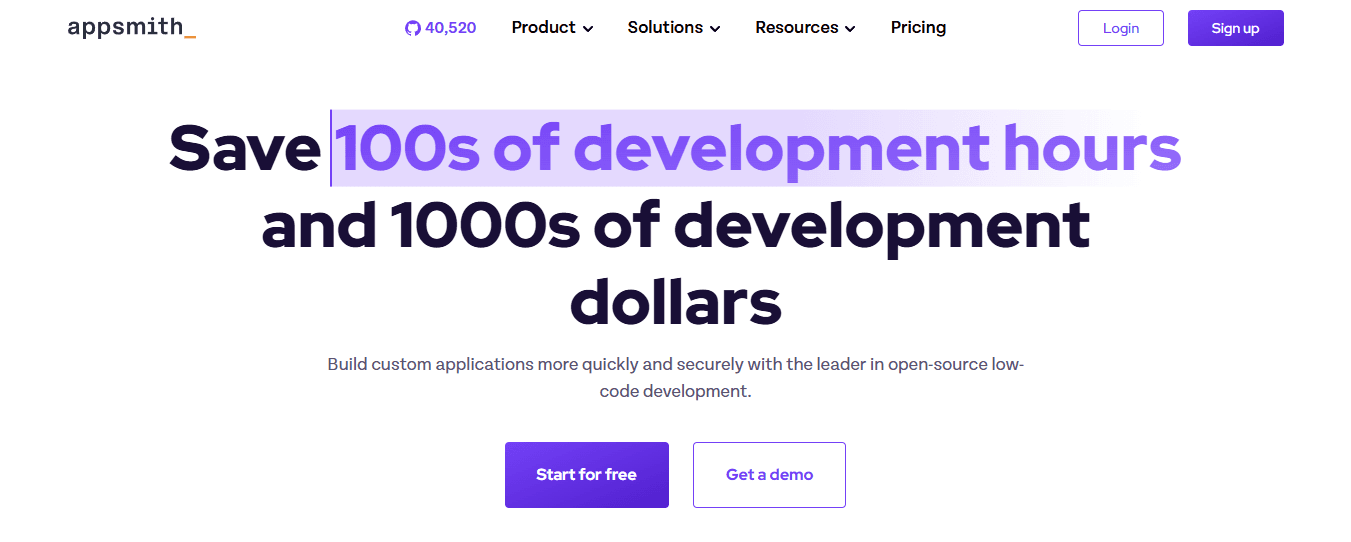
Appsmith is an open-source low-code platform focused on building internal tools, admin panels, and custom dashboards with strong support for self-hosting and JavaScript extensibility. It gives enterprise AI teams a portable alternative that avoids proprietary runtimes, enabling direct integration with data sources, APIs, and external AI models while keeping full ownership of the application code and deployment environment.
Features
- Drag-and-drop UI builder with pre-built widgets for rapid interface creation
- Full JavaScript support for custom logic, queries, and AI model integrations
- Native connectors to databases, REST APIs, GraphQL, and popular SaaS tools
- Self-hosting options alongside managed cloud deployment
- Role-based access control, audit logs, and enterprise security features
- Git-based version control and CI/CD compatibility for modern workflows
- Support for multi-page applications, workflows, and embedded AI components
Pros
- Open-source core and self-hosting eliminate vendor lock-in and runtime dependency
- Predictable pricing with a free community edition and transparent cloud tiers
- High flexibility for AI teams to embed LLMs, agents, or custom intelligence layers
- Developer-friendly experience that aligns with standard engineering practices
Cons
- Requires more technical involvement for complex enterprise-scale applications compared with fully managed platforms
- UI polish and advanced multi-experience features are less mature than some commercial alternatives
Accessibility
Free community edition for self-hosting makes it highly accessible for evaluation and smaller teams. Cloud plans start at accessible per-user rates. Suited to professional developers and technical teams; JavaScript extensibility and visual tools support broader collaboration under IT governance.
How to Choose the Right Mendix Alternative for Your Team
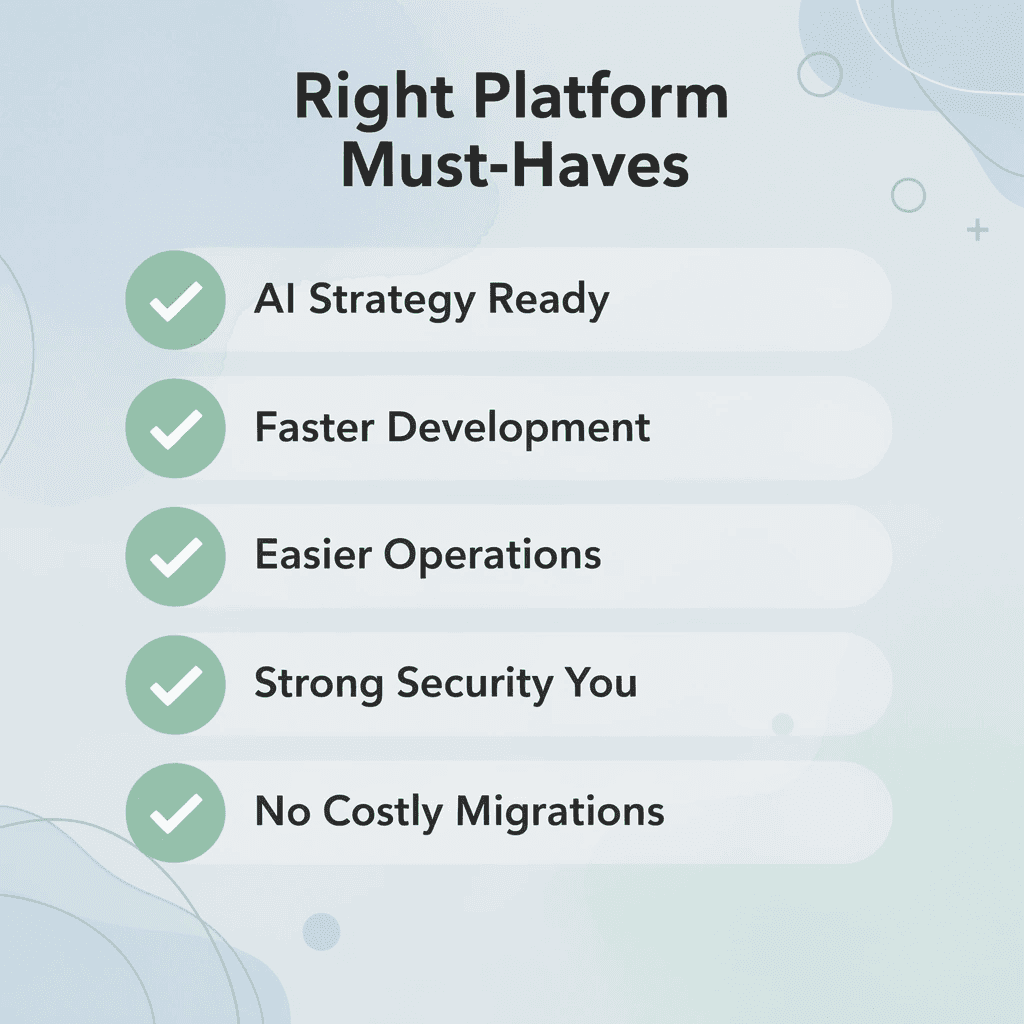
Choosing a Mendix alternative means picking a solution that supports your organization's AI strategy for years to come. The right platform should speed up development, make operations easier, strengthen security, and grow with your business — without forcing expensive migrations or limiting new ideas. Evaluate each option against the criteria below to make a confident, long-term decision.
"The platforms teams choose today will define their AI capabilities, operational agility, and competitive advantage for the next decade." — Industry Insight
Evaluation Criteria |
Why It Matters |
What to Look For |
|---|---|---|
Development Speed |
Reduces time-to-market |
Low-code builders, pre-built templates |
AI Strategy Support |
Future-proofs your stack |
Native AI/ML integrations |
Security & Compliance |
Protects critical data |
Role-based access, audit logs |
Scalability |
Grows with your business |
Cloud-native, flexible pricing |
Migration Flexibility |
Avoids vendor lock-in |
Open standards, data portability |
🎯 Key Point: The best Mendix alternative isn't just a feature-for-feature swap — it's a strategic investment in your team's long-term ability to build, scale, and innovate.
⚠️ Warning: Avoid platforms that seem affordable upfront but impose hidden migration costs, proprietary data formats, or restrictive licensing as your usage scales.
Assess Your Team’s Skills and Collaboration Model
Figure out who will build and keep applications running. Platforms requiring extensive professional developer support create slowdowns for citizen contributors, while those limiting professional developers frustrate teams needing custom logic or AI model integration. Identify your mix of business experts, professional developers, and AI specialists, then pick a platform whose visual tools, AI generation features, and code extensibility support that blend without forcing constant handoffs or excessive training.
Define Primary Use Cases and AI Requirements Clearly
Make a list of the specific applications and agent workflows your team needs to deliver in the next 12–18 months. Internal operational tools, customer-facing experiences, process orchestration, and production AI agents have different requirements for modeling depth, data connectivity, and runtime performance. Rank your most important scenarios first and eliminate platforms that cannot support them end-to-end, particularly agentic workflows requiring reliable execution and human-in-the-loop controls.
Evaluate Portability and Long-Term Exit Options
Check whether applications and agents can run independently without the vendor's runtime, or if they export cleanly into standard technologies. Proprietary modeling languages and closed runtimes create switching costs that compound with each new application. Platforms that deploy into your own infrastructure or produce portable code protect your flexibility, letting your team adopt new AI frameworks or change vendors without rebuilding core systems.
Analyze Total Cost of Ownership Beyond Base Pricing
Plan the full three-year cost, including licensing, per-user or per-app fees, extra environments, support levels, and internal training or specialized resources. Transparent pricing that scales predictably with usage prevents budget surprises as AI projects expand. Compare expected costs against the value of faster delivery and reduced maintenance to ensure the platform improves your finances.
Test Integration Depth with Your Existing Technology Stack
Check that the platform connects easily to your existing systems, including data platforms, identity providers, and AI services. Platforms requiring extensive custom connectors or data copying add complexity and risk. Strong integration capabilities enable AI teams to give agents access to live business information and build on current infrastructure rather than creating separate systems.
Examine Governance, Security, and Compliance Controls
Ensure the platform enforces role-based access, audit trails, policy controls, and AI-specific guardrails at creation time rather than through post-hoc reviews. Enterprise AI teams need these controls to meet regulatory requirements while maintaining development velocity. The right balance integrates security and compliance into everyday development without creating approval bottlenecks.
Prioritize Deployment Flexibility and Operational Ownership
Figure out whether the platform supports deployment into your preferred environments—public cloud, private cloud, on-premises, or air-gapped—and whether you retain operational control over monitoring, scaling, and updates. Single vendor-hosted runtimes limit options for data residency, performance tuning, and cost optimization. Deployment flexibility ensures AI applications and agents run where policy and architecture require them.
Conduct Hands-On Proof-of-Concept Work with Real Scenarios
Narrow the shortlist to two or three finalists and run time-boxed proofs of concept using actual data, integrations, and AI agent requirements from your backlog. Measure development speed, governance friction, runtime behavior, and customization effort. Vendor demonstrations highlight ideal conditions; hands-on validation with your team's real constraints reveals whether the platform delivers sustainable velocity and control under production pressures. These steps ground selection in your team's specific constraints and goals, ensuring the chosen alternative accelerates AI delivery while protecting long-term flexibility, cost predictability, and operational ownership.
Why Enterprise Teams Choose CodeGiant for AI Automation
Enterprise teams choose CodeGiant because it closes the gap between AI experimentation and production reality. Our platform runs reliably in regulated environments, on your own infrastructure, connected to legacy systems.
"The gap between AI experimentation and production reality is where most enterprise initiatives fail — CodeGiant is built to close it." — CodeGiant Platform Overview
🎯 Key Point: CodeGiant is purpose-built for enterprise-grade AI automation — not just prototyping, but real production deployment in even the most regulated environments.
💡 Tip: If your team is running AI in regulated industries like finance, healthcare, or government, CodeGiant's on-premise infrastructure support means you never have to compromise on compliance or control.
Enterprise Challenge |
CodeGiant Solution |
|---|---|
Regulated environments |
Compliant, auditable AI workflows |
Own infrastructure |
Full on-premise deployment support |
Legacy system integration |
Native connectors for existing stacks |

Where does the gap between prototype and production actually appear?
The failure point is usually not the AI model itself, but everything around it: the deployment pipeline, the governance layer, the integration with legacy data, and the monitoring after go-live. Teams often spend months building a compelling demo, then discover that moving it into production requires rebuilding half of it within a different architecture. That gap is where AI programs stall, and budgets get questioned.
Why does stitching together separate tools become a liability over time?
Most teams connect separate tools together: one platform for development, another for deployment, a third for monitoring, and a fourth for compliance workflows. As agents and automations multiply, this patchwork creates problems. Context gets lost between systems, incident response slows, and teams spend more time maintaining integrations than building capabilities. CodeGiant addresses this by combining AI generation, deterministic execution, deployment into customer-owned infrastructure, and built-in AI SRE monitoring in a single governed engine, shrinking the distance from prompt to production without sacrificing auditability.
Why existing stack compatibility changes the economics
According to Enterprise AI Automation: A Practical Guide for Large Organizations, AI automation can handle 80% of repetitive enterprise workflows without human intervention. This potential is realized only when automation connects to systems where workflows live. Platforms requiring teams to rebuild business logic in proprietary environments incur translation costs that compound with each new workflow. CodeGiant keeps AI automation grounded in live enterprise context by connecting directly to the existing stack rather than creating a parallel layer requiring constant synchronization.
How do legacy systems shape the case for Mendix alternatives?
Legacy systems exemplify this challenge. COBOL environments, older ERP cores, and mainframe data stores hold valuable business logic in financial services, government, and manufacturing. Full replacement is expensive, disruptive, and often impossible. Specialized migration pipelines that extract logic, map data, and convert systems into agent-ready services bring institutional knowledge into AI automation programs without replacement projects: a fundamentally different proposition than building on clean data models.
What runtime conditions let speed advantages compound over time?
Large organizations using AI automation see 3x faster processing times compared to manual workflows. This requires runtime ownership so teams can improve performance without waiting for the vendor, the ability to deploy across AWS, Azure, and Google Cloud to follow data location rules, and visibility into post-deployment performance. When these conditions exist within one platform, speed advantages compound. Once you understand what a platform built specifically for enterprise AI production requires, how do you decide when you're ready to move?
Related Reading
- Enterprise Architecture Modernization
- Rpg Modernization
- Iseries Modernization
- Application Modernization Benefits
- .net Modernization
- Application Modernization Roadmap
- Cobol Replacement
- Insurance Legacy Modernization
Try CodeGiant's Enterprise AI Platform Today
If your team is spending more time working around platform limitations than building AI solutions, that is a platform problem, not a development problem. The right Mendix alternative delivers AI-native development, flexible deployment, enterprise integrations, strong governance, and the freedom to build without locking your business into a single cloud or ecosystem.
"The right platform removes friction: it should accelerate AI-native development and enterprise integration, not become the obstacle your team works around every day."
💡 Tip: If your developers are spending time fighting platform constraints rather than shipping solutions, evaluate whether your current tool is built for enterprise AI development or merely marketed that way.
⚠️ Warning: Vendor lock-in is one of the most costly long-term risks in enterprise AI strategy. Choosing a platform that restricts your cloud flexibility or data portability can limit your organization for years.

CodeGiant is built for exactly that. Our enterprise AI platform gives technology teams in financial services, healthcare, government, manufacturing, and telecommunications one place to develop production-grade AI agents, custom applications, and enterprise data integrations — then deploy securely into AWS, Azure, Google Cloud, Oracle Cloud, or a private environment of your choosing. You keep full control of your infrastructure, your data, and your AI strategy.
Deployment Option |
Supported by CodeGiant |
|---|---|
AWS |
✅ Yes |
Azure |
✅ Yes |
Google Cloud |
✅ Yes |
Oracle Cloud |
✅ Yes |
Private Environment |
✅ Yes |
🎯 Key Point: CodeGiant serves mission-critical industries — from financial services to government — where security, compliance, and infrastructure control are non-negotiable requirements.
✅ Best Practice: Visit CodeGiant to evaluate how it compares with your current implementation and determine whether your team could be building faster, smarter, and with greater control over your AI strategy.