Many enterprise development teams are moving away from OutSystems in search of low-code and rapid application development platforms that offer greater flexibility, lower licensing costs, and faster delivery. The market for application modernization tools has grown significantly, giving teams more viable alternatives than ever before. Choosing the right platform depends on understanding what each option actually delivers, not just what it promises.
CodeGiant stands out as a strong contender for teams that want to build, modernize, and deploy applications at scale without the steep learning curve or high costs associated with traditional platforms. It reduces vendor dependency while keeping build cycles short and predictable. Teams ready to make a well-informed switch can explore what CodeGiant offers through its enterprise AI platform.
Table of Contents
- What is OutSystems and What Does It Offer?
- Why Are Enterprise AI Teams Looking for OutSystems Alternatives?
- What Should You Look for in an OutSystems Alternative?
- 11 Best OutSystems Alternatives for Enterprise AI Teams
- How to Choose the Right OutSystems Alternative for Your Team
- Why Enterprise Teams Choose CodeGiant for AI Automation
- Try CodeGiant's Enterprise AI Platform Today
Summary
- Low-code platforms like OutSystems can significantly cut application delivery time, with some analyses citing up to 57% faster delivery compared to traditional development. That speed advantage is most visible when business requirements shift mid-project or when competitors are already shipping. The benefit comes from removing repetitive boilerplate work so developers focus on logic and architecture rather than syntax and scaffolding.
- Cost structure becomes the primary friction point as AI programs scale beyond pilots. Entry-level OutSystems licensing starts at $36,300 annually, but enterprise spend commonly reaches $200,000 or more as Application Object counts grow across an expanding agent portfolio. Teams respond by constraining their architecture to control costs, which produces narrower systems than the business actually needs and quietly delays AI roadmaps quarter after quarter.
- Talent availability compounds the cost problem in ways that rarely surface during vendor evaluations. OutSystems requires certified specialists whose market rates sit well above those of generalist developers fluent in Python, Java, or open frameworks. When a critical agent breaks in production, and the only person who understands the platform internals is unavailable, that shallow talent pool becomes a direct delivery ceiling.
- Vendor lock-in carries higher stakes in AI development than in traditional application work. New model architectures, orchestration frameworks, and agent patterns are appearing on a timeline measured in months, and 93% of organizations are currently developing AI agents according to the OutSystems Agentic AI Study (2025). Platforms that tightly couple output to a proprietary runtime mean every promising new capability requires a rebuild conversation before it can become a production feature.
- Portability and transparent pricing are the two criteria most often underweighted during procurement and most regretted afterward. Low-code development platforms can reduce application development time by up to 90% according to Kovaion's analysis, but that speed advantage disappears if the output cannot survive a vendor transition. Pricing models metered by screens, entities, or API methods force architects to design around license limits rather than actual business needs, recreating the same constraints the migration was meant to solve.
- The gap between AI pilots and production deployment remains wide across industries, with 77% of businesses either using or exploring AI automation yet few reaching reliable production deployment at scale, according to AY Automate's 2026 statistics. AI automation can reduce operational costs by up to 30% for enterprise teams, but that figure only materializes when automation actually reaches production rather than sitting in a controlled sandbox indefinitely.
- CodeGiant's enterprise AI platform addresses this by combining agent execution, deployment, monitoring, and legacy modernization in one environment, with governance and compliance controls built into the infrastructure rather than retrofitted after the fact.
What is OutSystems and What Does It Offer?
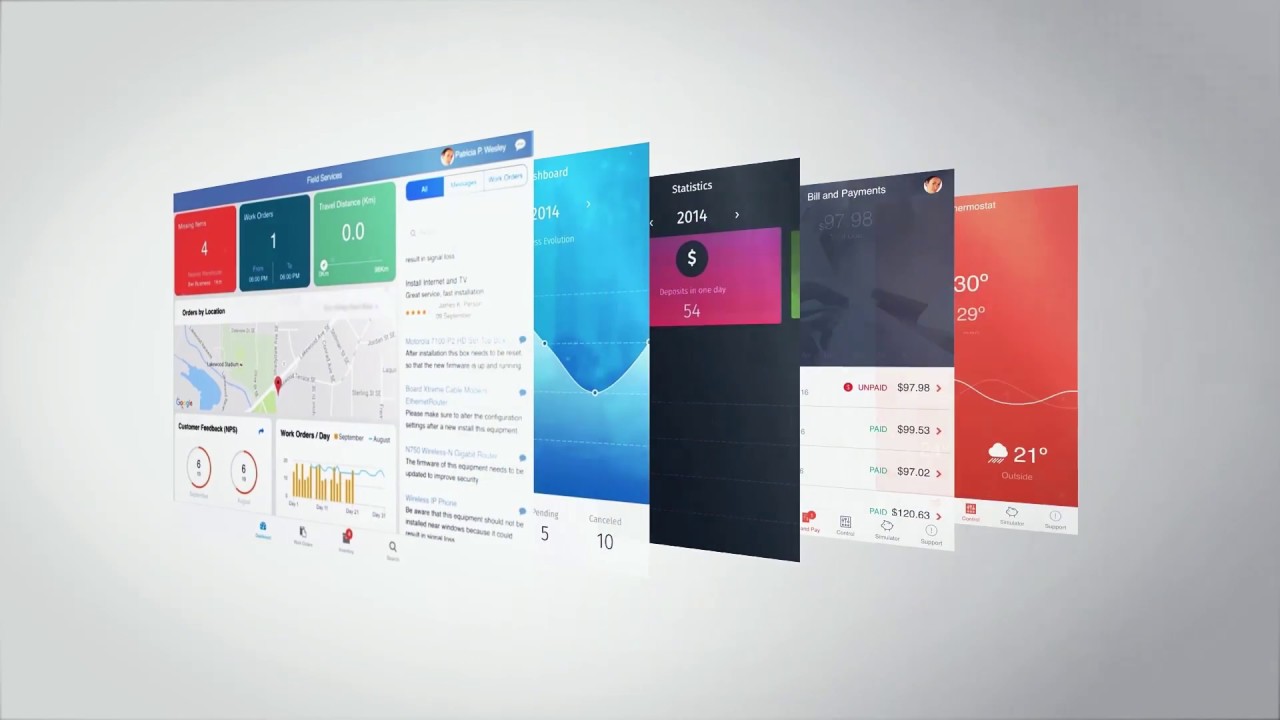
OutSystems is a high-productivity application development platform for professional developers building complex, enterprise-grade software. It brings together visual, model-driven development with built-in AI, broad integration support, and flexible deployment options — all in one unified environment for building, testing, and running production applications at scale.
"OutSystems combines visual development, built-in AI, and flexible deployment into a single platform — purpose-built for enterprise-grade complexity." — OutSystems Platform Overview
💡 What It Offers: OutSystems isn't just a drag-and-drop tool — it's a full-spectrum platform designed for professional developers who need enterprise power without sacrificing speed or scalability.
Capability |
What It Means for Developers |
|---|---|
Visual, Model-Driven Development |
Build apps faster with less hand-coded boilerplate |
Built-In AI |
Accelerate workflows with intelligent automation and suggestions |
Broad Integration Support |
Connect to existing enterprise systems seamlessly |
Flexible Deployment Options |
Deploy to cloud, on-premise, or hybrid environments |
🎯 Key Point: OutSystems is not a no-code toy — it's a serious enterprise development platform built for teams delivering production-grade applications at scale.
⚠️ Don't Confuse It: OutSystems is often mistaken for a simple low-code tool, but its professional-grade capabilities make it a full application lifecycle platform — from development all the way through testing and production deployment.
How fast can teams actually build with it?
Speed is the main claim, and the numbers back it up. OutSystems enables up to 57% faster application delivery compared to traditional development. The platform's visual environment eliminates repetitive boilerplate work, letting developers focus on logic and architecture rather than syntax and scaffolding.
The platform's AI layer, built around tools like Mentor and the Agent Workbench, lets teams describe requirements in plain language and receive functional application components in return. This structured generation ties to data models, workflows, and business rules, allowing experienced developers to skip tedious work while retaining control over critical decisions.
Where OutSystems fits and where friction appears
Most enterprise teams handle integration by writing custom connectors one system at a time, creating sprawling point-to-point dependencies that break when upstream systems change. OutSystems solves this problem with over 400 pre-built connectors and a unified data layer that presents information from multiple sources as a single coherent surface, reducing the integration tax that undermines delivery timelines.
How does OutSystems handle governance compared to OutSystems alternatives?
Teams evaluating OutSystems will find its governance model strong. Role-based access, continuous architecture checks, and built-in DevSecOps controls run throughout the development lifecycle, not just at deployment. For industries where compliance gaps trigger regulatory incidents, embedded oversight matters more than any feature list. Platforms like CodeGiant's enterprise AI platform take a similar approach, building production-grade governance directly into the modernization workflow so teams in financial services, healthcare, and government can move fast without breaching their compliance boundary.
What does broad adoption reveal about platform maturity?
OutSystems is used by over 1,600 customers across 87 countries, demonstrating the platform's maturity in regulated, complex environments. However, adoption numbers alone don't address all questions a serious buyer needs to ask. What those 1,600 customers discovered after going live is where the real evaluation begins.
Related Reading
- Application Modernization Tools
- What Is Application Modernization
- How To Modernize Legacy Systems
- Build Internal Tools
- Cobol Modernization
- Mainframe To Cloud Migration
- Legacy Software Modernization
- Cobol To Java
- Technical Debt Management
- Ai Governance
- Legacy System Modernization
Why Are Enterprise AI Teams Looking for OutSystems Alternatives?
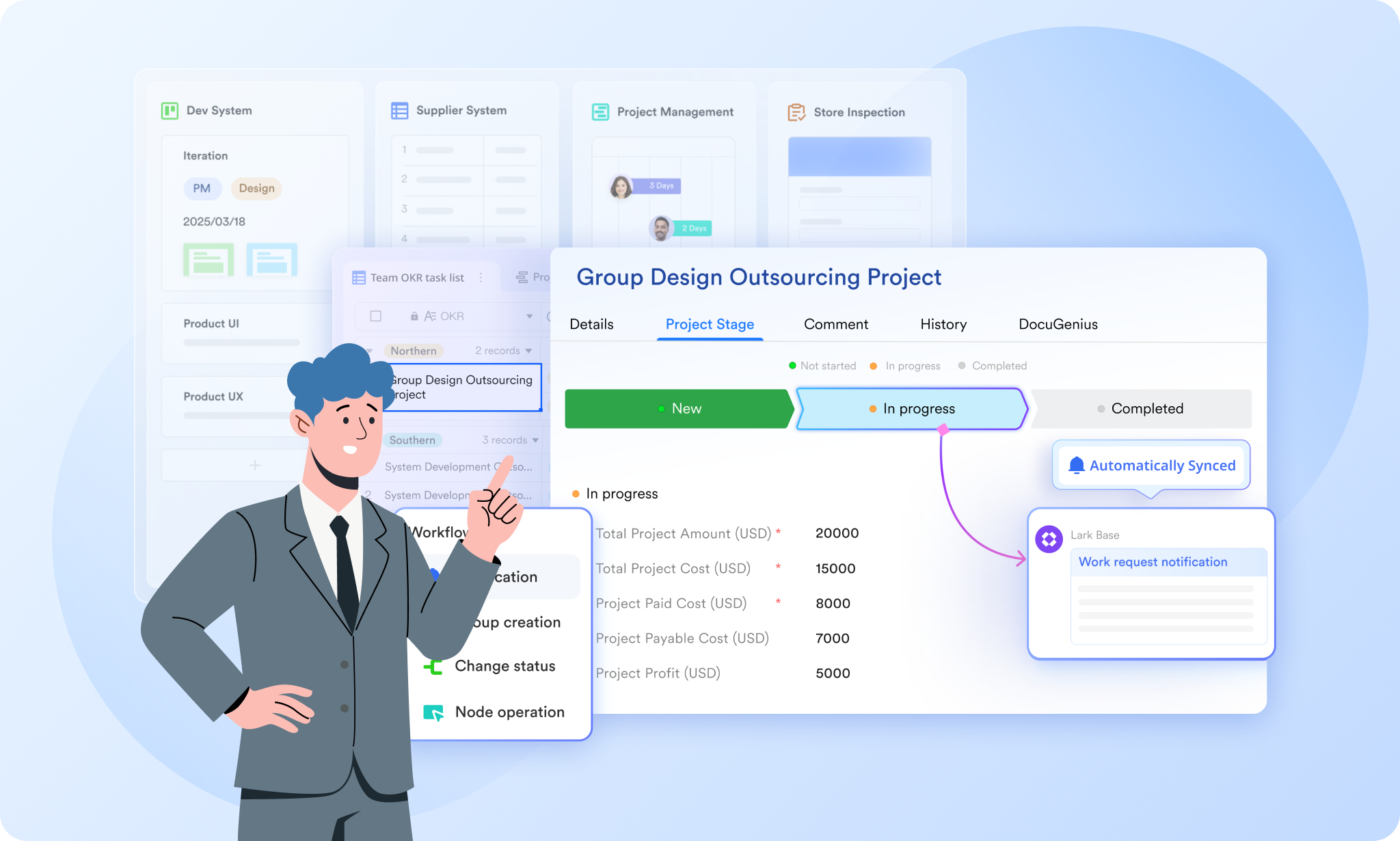
Enterprise AI teams aren't leaving OutSystems because the platform failed when tested on a small scale. They're leaving because what worked at first stops working when there are more agents, data amounts grow, and the business needs production-grade reliability across regulated workflows.
"What worked at first stops working when there are more agents, data amounts grow, and the business needs production-grade reliability across regulated workflows." — A pattern seen across enterprise AI scaling challenges
🚨 Warning: OutSystems may handle early-stage pilots well — but enterprise-scale AI deployment exposes critical gaps in reliability, agent orchestration, and regulated workflow support.
💡 Key Insight: The real breaking point for enterprise AI teams isn't adoption — it's scale. When production-grade demands meet platform limitations, teams are forced to look for stronger alternatives.
Scaling Factor |
Early-Stage Reality |
Enterprise-Scale Reality |
|---|---|---|
Agent Volume |
Few agents, manageable |
More agents, complex orchestration needed |
Data Growth |
Small datasets |
Massive, growing data volumes |
Workflow Compliance |
Basic requirements |
Production-grade regulated workflows |
Platform Reliability |
Sufficient for pilots |
Critical gaps begin to surface |
The Cost Structure That Punishes Growth
The pricing model emerges as the first constraint at scale. Entry-level licensing starts at $36,300 per year, but independent analyses show enterprise spending climbing to $200,000 or more as Application Object counts grow across expanding agent portfolios. Each new AI workflow, API integration, and data entity increases licensing costs. Teams narrow their architecture to control expenses, building systems smaller than business needs require. This tradeoff remains invisible in budgets but manifests elsewhere: delayed agent rollouts, brittle integrations, and postponed AI roadmaps.
Why does the talent shortage make OutSystems alternatives more urgent?
The talent constraint compounds the cost problem. OutSystems requires certified specialists whose market rates far exceed those of generalist developers proficient in Python, Java, or open frameworks. When AI teams need to make rapid changes across custom agent logic, hybrid architectures, and production-grade APIs, a small talent pool becomes a delivery bottleneck. Projects that should take weeks stretch into months, not because the problem is difficult, but because the platform demands a specific expertise that is genuinely scarce and expensive to retain.
How do coordination layers slow down teams locked into OutSystems?
Most teams rely on implementation partners or offshore vendors, which adds coordination overhead and reduces internal knowledge for fast iteration. This breaks down when a critical agent fails in production, and the only person who understands the platform's internals is three time zones away. Our enterprise AI platform built on open standards and familiar languages lets your developers build, debug, and extend production systems without waiting for a certified specialist.
Why is lock-in worse in AI than anywhere else?
According to the OutSystems Agentic AI Study (2025), 93% of organizations are developing AI agents. New model architectures, orchestration frameworks, and agent patterns emerge on timelines measured in months, not years. A platform that generates applications tightly connected to its own runtime requires a rebuild conversation before each new capability reaches production—a structural disadvantage when competitive edge belongs to teams that ship faster.
When do OutSystems alternatives reveal the real cost of lock-in?
Research from OutSystems and Okoone (2024) found that companies adopting low-code AI platforms report 3x faster time-to-market for AI-powered applications, provided the platform doesn't restrict which models, frameworks, or deployment targets you can use. Lock-in costs nothing initially, but everything when a superior open model emerges, and your team must restart a six-month project. The teams recognizing this pattern earliest ask a harder question: not which platform builds faster, but which platform maintains speed as requirements grow more demanding.
What Should You Look for in an OutSystems Alternative?
Most teams looking for an OutSystems alternative think the best choice is one that has the same visual modeling tools, enterprise checklist, and lower price. This critically overlooks what really matters for long-term success. Comparing surface features and price tags ignores how platforms actually perform three years later, when AI agents increase, application complexity grows, and most new enterprise software runs on low-code platforms.
"Comparing surface features and price tags ignores how platforms actually perform three years later — when AI agents increase, application complexity grows, and most new enterprise software runs on low-code platforms."
💡 Tip: Before shortlisting any alternative, define your 3-year scalability requirements — not just your current feature wishlist. The platform that looks cheapest today may become your most expensive technical debt tomorrow.
⚠️ Warning: Evaluating OutSystems alternatives on price and feature parity alone is one of the most common — and costly — mistakes enterprise teams make. Long-term performance, AI readiness, and architectural flexibility are the metrics that actually determine success.
Evaluation Factor |
Surface-Level Thinking |
What Actually Matters |
|---|---|---|
Price |
Lowest upfront cost |
Total cost of ownership over 3+ years |
Features |
Matches current checklist |
Scalability as complexity grows |
AI Support |
Basic automation tools |
AI agent readiness and extensibility |
Enterprise Fit |
Has an enterprise tier |
Performance under real enterprise load |
Portability That Prevents Future Rebuilds
Look for platforms that create standard, exportable code or maintain clear separation between design models and runtime, allowing teams to move applications without starting over. Proprietary runtimes create path dependency: each new screen, data entity, or agent integration strengthens the tie to the original vendor. When the market shifts or a better model framework emerges, leaving costs as much as rebuilding your entire portfolio. In a market Fortune Business Insights values at $37.39 billion in 2025 and projects will reach hundreds of billions by the early 2030s, that dependency transforms short-term convenience into a multi-year constraint.
Transparent Economics That Scale With Value, Not Object Counts
Demand pricing models that stay predictable as the number of applications and AI agents grows. Complex metering based on screens, entities, or API methods forces developers to design around license limits rather than business needs, creating architectural compromises that surface as performance bottlenecks or higher maintenance costs. Platforms with clearer capacity- or usage-based structures keep budget available for actual AI work instead of license renegotiation. Gartner forecasts that 75 percent of new enterprise applications will be built with low-code technologies by 2026; any alternative that makes scaling expensive prices teams out of that majority.
Governance Designed for Fusion Teams
Choose platforms that give professional developers full control while letting citizen developers work within set rules. McKinsey research shows that organizations that empower citizen developers score 33 percent higher on innovation metrics than their peers. When business experts can safely build and test new ideas under IT guardrails, ideas reach production faster and technical debt stays lower. Platforms that lock everything behind specialist certifications or open the floodgates without role-based controls, audit trails, and automated quality checks recreate existing bottlenecks and shadow-IT risks.
Native Support for Agentic AI With Model Flexibility
Focus on environments that treat AI agents as built-in parts rather than add-on features. The platform must let teams select and change large language models, monitor agent actions, and set rules without forcing every agent to use the same proprietary system. As agent systems move from test projects to production, maintaining control over context, cost, and model routing becomes critical to avoid repeating costly platform decisions.
Proven Integration Depth and Vendor Longevity
Ensure the alternative connects smoothly to existing ERPs, CRMs, data platforms, and legacy systems through standards-based connectors rather than custom workarounds. Evaluate the vendor's track record, partner ecosystem, and roadmap commitment. Platforms that survive reduce long-term technical and commercial risk rather than matching today's feature list.
The right alternative restores architectural freedom, keeps costs aligned with delivered value, and positions the organization to participate in the low-code majority Gartner and market analysts already see forming. Feature checklists and price tags alone cannot deliver that outcome.
Related Reading
- As400 Modernization
- Enterprise Ai Governance
- Public Sector Digital Transformation
- Mendix Alternatives
- Appian Alternatives
- Appian Pricing
- Ai Agent Pricing
- Outsystems Vs Mendix
- Outsystems Alternatives
11 Best OutSystems Alternatives for Enterprise AI Teams

Enterprise AI teams need software that supports AI-powered development, works with modern engineering tools, grows across departments, and gives developers the freedom to build internal copilots and customer-facing AI applications. While OutSystems remains a strong low-code platform, the alternatives below offer different strengths in AI development, DevOps, workflow automation, enterprise integrations, and application lifecycle management.
"The right low-code platform isn't just about speed — it's about giving enterprise AI teams the flexibility, integrations, and developer freedom to build production-grade AI applications at scale."
💡 Tip: When evaluating OutSystems alternatives, prioritize platforms that natively support AI model integration, DevOps pipelines, and enterprise-grade scalability — not just drag-and-drop simplicity.
🎯 Key Point: The best alternative for your team depends on your specific AI development needs — whether that's workflow automation, internal tooling, customer-facing apps, or full application lifecycle management.
Capability |
Why It Matters for Enterprise AI Teams |
|---|---|
AI-Powered Development |
Accelerates building copilots and intelligent apps |
DevOps Integration |
Supports modern CI/CD pipelines and engineering workflows |
Workflow Automation |
Reduces manual overhead across departments |
Enterprise Integrations |
Connects with existing tech stacks at scale |
App Lifecycle Management |
Ensures long-term maintainability and governance |
1. CodeGiant
CodeGiant is an enterprise modernization platform that lets teams build production-grade apps, AI agents, and automations directly on top of their existing technology stack rather than forcing a full platform replacement. It combines AI generation with deterministic automation and strong governance, enabling financial services, healthcare, government, and manufacturing organizations to move from prototypes to reliable systems while keeping full control and compliance.
Features
- App Builder that turns prompts into production web and mobile applications.
- Agent Builder that turns prompts into production-ready AI agents.
- Workflow Builder that turns prompts into production automations with human-in-the-loop steps, conditions, and branching.
- Embedded Cursor-style IDE for last-mile engineering and fine control.
- Harness Engine that provides deterministic execution, observability, and production reliability for apps, agents, and workflows.
- Legacy modernization pipelines that convert systems such as COBOL into modern, agent-ready services through automated logic extraction, data mapping, dependency resolution, and type verification.
- Thousands of secure connectors to systems including Salesforce, HubSpot, Stripe, Snowflake, Postgres, MongoDB, Slack, Jira, GitHub, OpenAI, and many others.
- One-click deployment into the customer’s own infrastructure across Cloudflare, AWS, Azure, Google Cloud, Oracle Cloud, DigitalOcean, Fly.io, Alibaba Cloud, and more.
- Transformation capabilities that plug into existing systems without requiring a full rip-and-replace.
- Intelligent AI SRE for continuous monitoring, triaging, and error tracing.
- Built-in enterprise security with SOC 2 and GDPR compliance protocols.
- Forward Deployed Engineers who work alongside customer teams for complex modernization, custom connectors, and proprietary or air-gapped requirements.
Best For
Organizations that need to modernize mission-critical legacy systems, build production AI apps and agents, or create governed automations on top of existing stacks in regulated industries such as financial services, insurance, government, manufacturing, healthcare, telecommunications, airlines, and energy—while retaining ownership of infrastructure and compliance.
Pros
- Moves teams from AI experiments to real production systems with deterministic execution and enterprise control.
- Supports full modernization of legacy codebases (including COBOL) into modern agent-ready services.
- Deploys directly into the customer’s own cloud or infrastructure, reducing vendor lock-in.
- Combines AI generation with deterministic automation and human-in-the-loop controls.
- Provides extensive secure connectors so new apps and agents work with the systems already in use.
- Includes built-in SOC 2 and GDPR compliance along with observability and AI SRE capabilities.
- Offers Forward Deployed Engineers for high-touch partnership on complex or regulated environments.
Cons
- The platform is positioned exclusively for enterprise modernization and production use.
Accessibility
CodeGiant is designed for enterprise teams that need production reliability, compliance, and infrastructure ownership. Access begins with a demo request. The platform supports both AI-assisted building (prompt-to-production) and professional engineering through the embedded IDE. Deployment occurs in the customer’s own environments across major cloud providers, and specialized support via Forward Deployed Engineers is available for complex modernization work.
2. Mendix
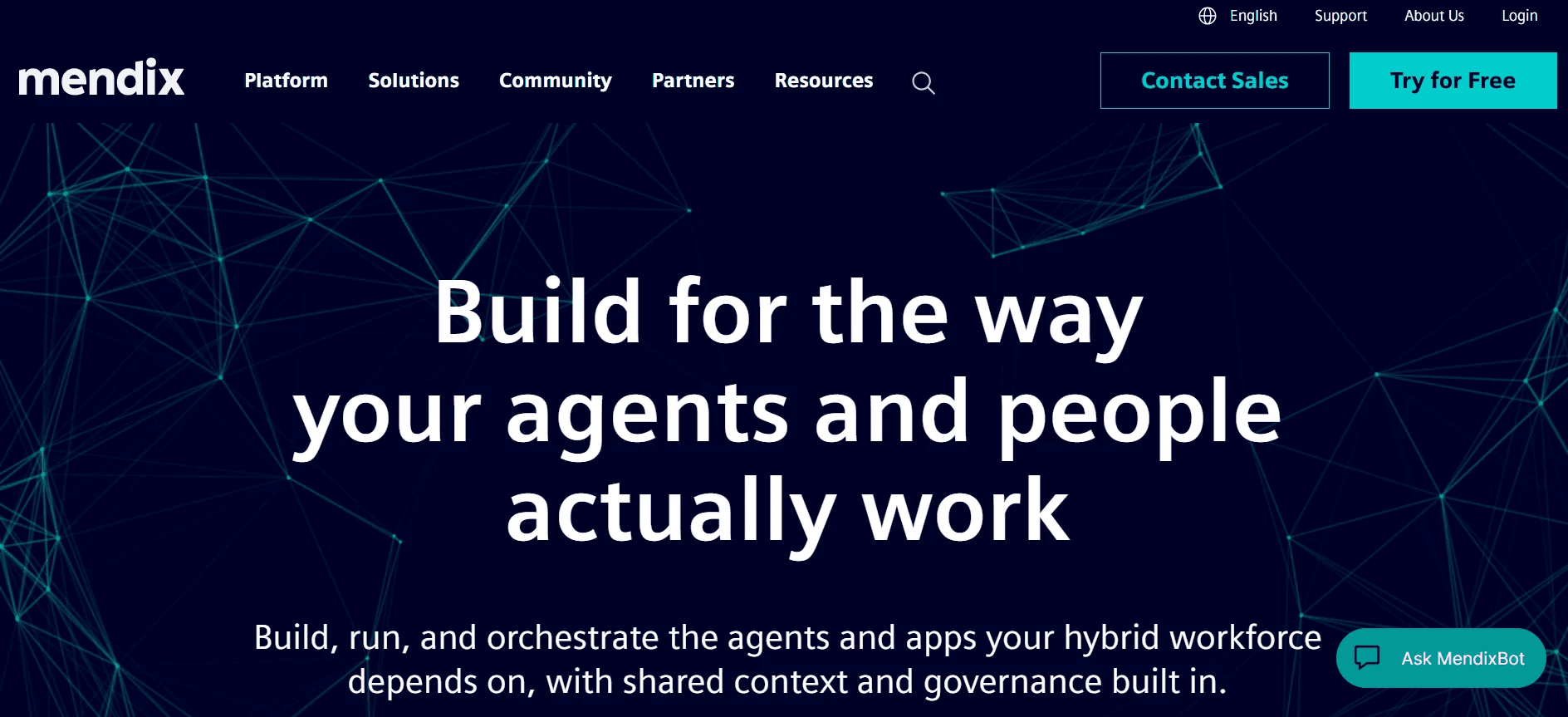
Mendix, owned by Siemens, is an enterprise low-code platform that emphasizes agentic development, visual modeling, and the ability to bring your own LLMs and data. It enables hybrid teams of professional developers and business users to build, orchestrate, and govern apps and AI agents while deploying to private cloud, on-premises, or air-gapped environments.
Features
- Visual model-driven development with reusable components
- Native support for deploying and monitoring custom AI models and agents
- Bring-your-own-LLM flexibility (frontier, open-source, or private models)
- Knowledge Graph for shared enterprise context across agents and apps
- Process orchestration that coordinates people, agents, and systems
- Strong governance with auditability and enforced standards
- Flexible deployment including private cloud and on-premises options
Pros
Transparent pricing relative to object-count models and strong support for citizen developers under IT control. High ratings for completeness of vision in analyst evaluations. Reduces specialized-talent bottlenecks through accessible visual tools.
Cons
Enterprise plans still require quotes for larger scale. Some advanced agent orchestration features are newer and require verification against specific high-volume use cases.
3. Appian
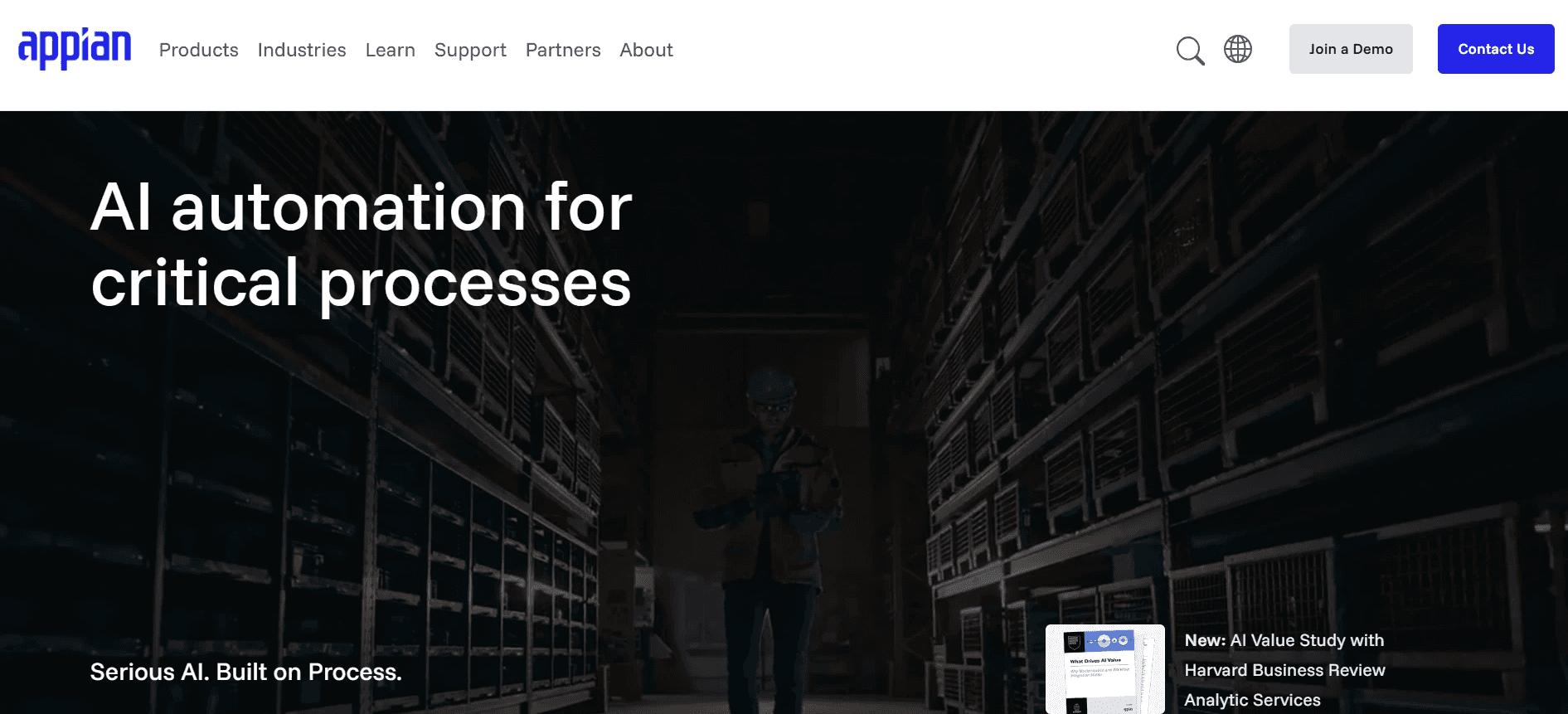
Appian is a process-centric low-code platform that combines BPM, RPA, and AI capabilities to automate complex, mission-critical workflows. It suits enterprise AI teams that need end-to-end process orchestration, strong security certifications, and the ability to embed generative AI and custom models into governed applications.
Features
- Low-code process modeling and case management
- Built-in AI and machine-learning services for decisioning and generation
- Robotic process automation integrated with human and agent workflows
- Data Fabric for unified access to enterprise data without heavy custom coding
- High security and compliance certifications suitable for regulated sectors
- Process mining and continuous improvement analytics
- Mobile and web application delivery from the same models
Pros
Excellent for complex, long-running processes where agents must coordinate with people and systems. Mature governance and audit capabilities address enterprise risk concerns. Pricing is primarily per-user and more predictable than object-based models.
Cons
Can feel heavier for simple departmental apps. Architecture is more process-oriented, so pure UI-heavy or highly custom agent experiences may require additional configuration.
4. Microsoft Power Apps + Copilot Studio
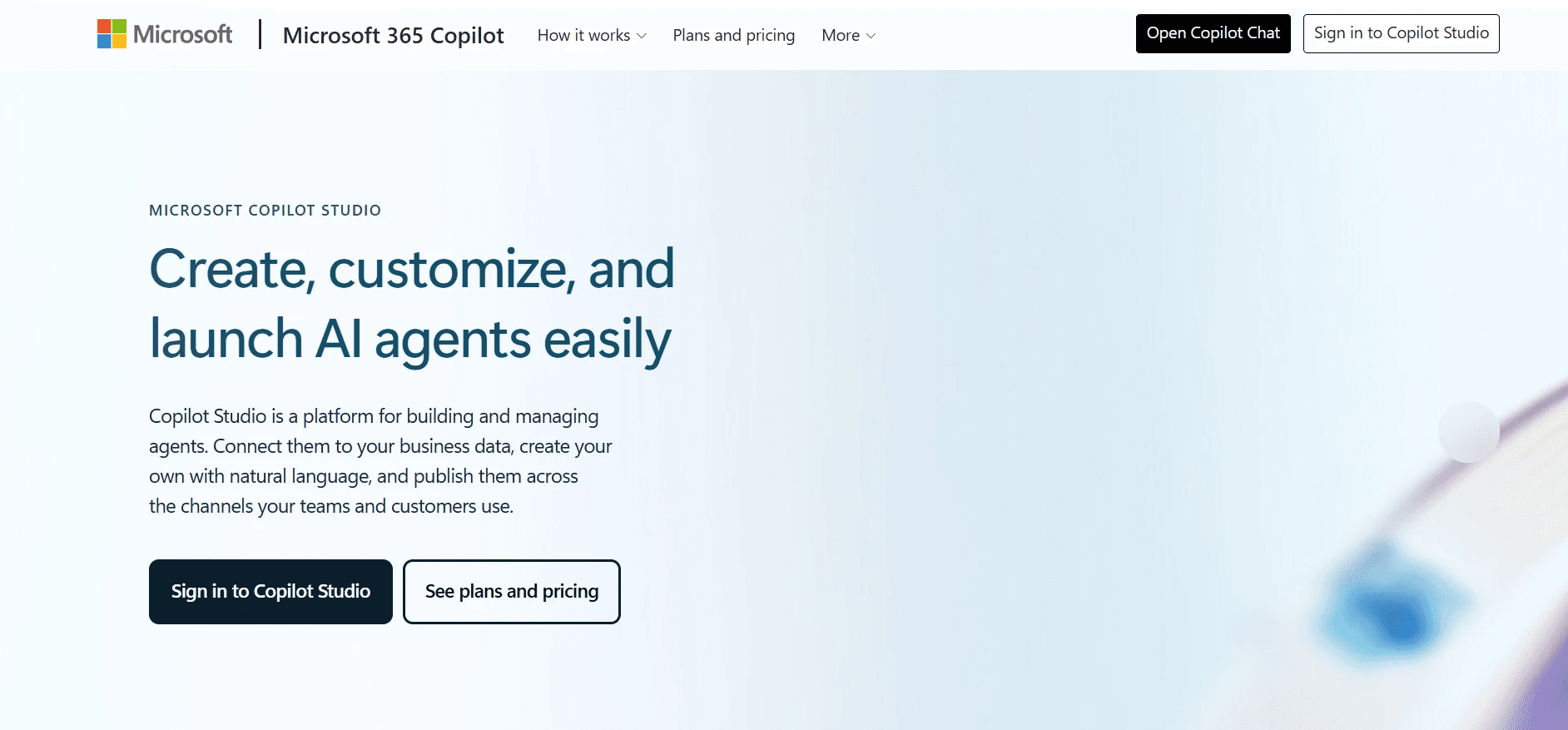
Microsoft Power Apps, paired with Copilot Studio, forms a widely adopted enterprise low-code and agent platform that leverages the Microsoft 365 and Azure ecosystem. It enables teams to build apps and AI agents that are grounded in organizational data, with strong governance through Dataverse and existing Microsoft identity controls.
Features
- Visual canvas and model-driven app builders
- Copilot Studio for creating custom AI agents and copilots
- Native grounding in Microsoft Graph, Dataverse, and Azure data sources
- Pre-built connectors to hundreds of Microsoft and third-party systems
- Role-based security and compliance inherited from the Microsoft stack
- AI-assisted generation of apps, flows, and agent logic
- Seamless integration with Power Automate for end-to-end workflows
Pros
Leverages existing Microsoft licenses for many organizations, lowering incremental cost. Strong fusion-team support and familiar tools reduce specialized training needs. Excellent model flexibility within the Azure AI ecosystem.
Cons
Deepest value appears inside Microsoft-centric environments; pure multi-cloud or non-Microsoft legacies may need more integration work. Advanced agent capabilities still evolve rapidly and require ongoing monitoring of governance settings.
5. Retool
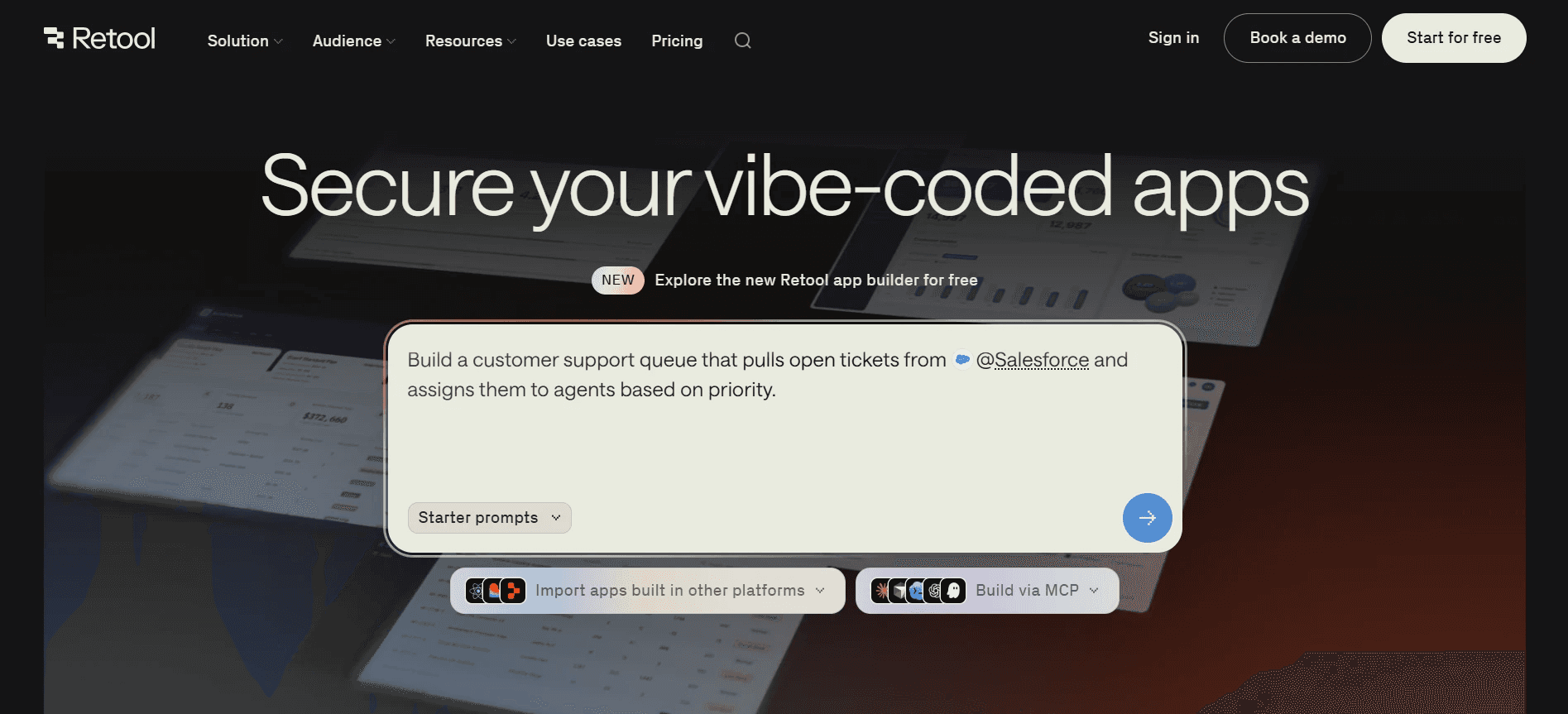
Retool is a developer-focused platform for building internal tools, dashboards, and AI-powered workflows that connect directly to databases and APIs. It gives enterprise AI teams more code-level control than pure visual platforms while still accelerating delivery of production agents and operational interfaces.
Features
- Drag-and-drop UI builder with full JavaScript extensibility
- Native AI actions and agent capabilities with credit-based usage
- Direct connections to databases, REST/GraphQL APIs, and SaaS tools
- Version control and Git integration for professional development practices
- Role-based permissions and audit logging
- Workflow automation and scheduled jobs
- Self-hosting options on higher tiers for data residency control
Pros
Significantly more flexible and less locked-in than proprietary model-driven platforms; teams can export and maintain logic more easily. Transparent per-builder and per-user pricing avoids sudden object-count spikes. Fast for internal AI tooling and operational agents.
Cons
Primarily oriented toward internal tools rather than customer-facing or highly branded mobile experiences. Enterprise self-hosting and advanced security features sit behind higher tiers.
6. Salesforce Platform (with Agentforce)
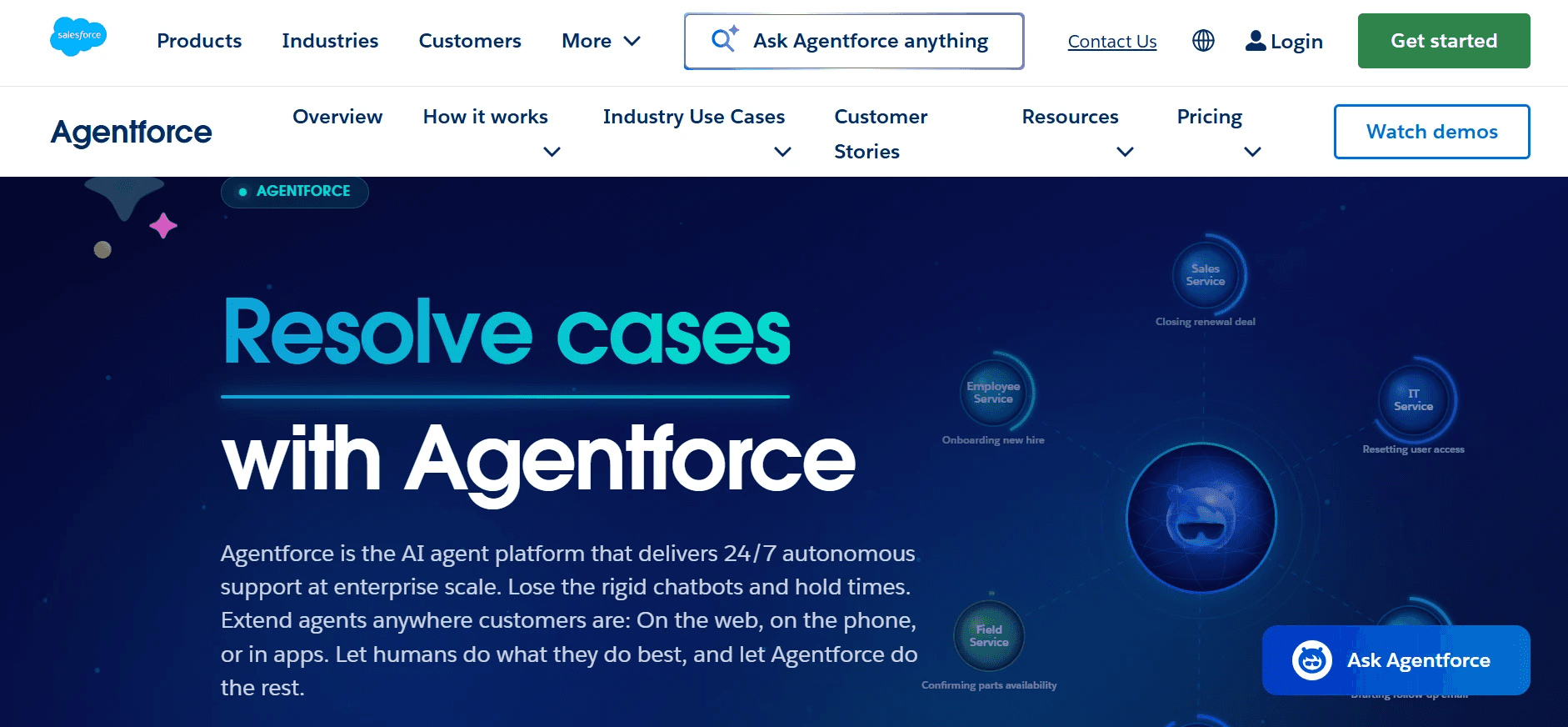
Salesforce Platform extends the core CRM with low-code tools and Agentforce AI agents, allowing enterprise teams to build customer-facing and internal applications grounded in Salesforce data while orchestrating autonomous agents for sales, service, and operations. It addresses lock-in concerns for organizations already invested in Salesforce by keeping development inside a familiar ecosystem with strong governance and model flexibility through Einstein and external LLM connections.
Features
- Lightning App Builder for visual page and component creation
- Agentforce for building and deploying autonomous AI agents
- Flow Builder for process automation and agent orchestration
- Einstein AI and generative capabilities for predictions and content
- Extensive AppExchange marketplace of pre-built components
- Robust role-based security, audit trails, and compliance controls
- Mobile-ready delivery and offline capabilities from the same models
Pros
Leverages existing Salesforce data and identity, reducing integration overhead. Strong agent capabilities for customer-facing AI use cases. Predictable per-user licensing avoids sudden object-count spikes.
Cons
Deepest value remains inside the Salesforce ecosystem; heavy customization outside CRM processes can become constrained. Advanced agent governance requires careful configuration to maintain control at scale.
7. ServiceNow App Engine
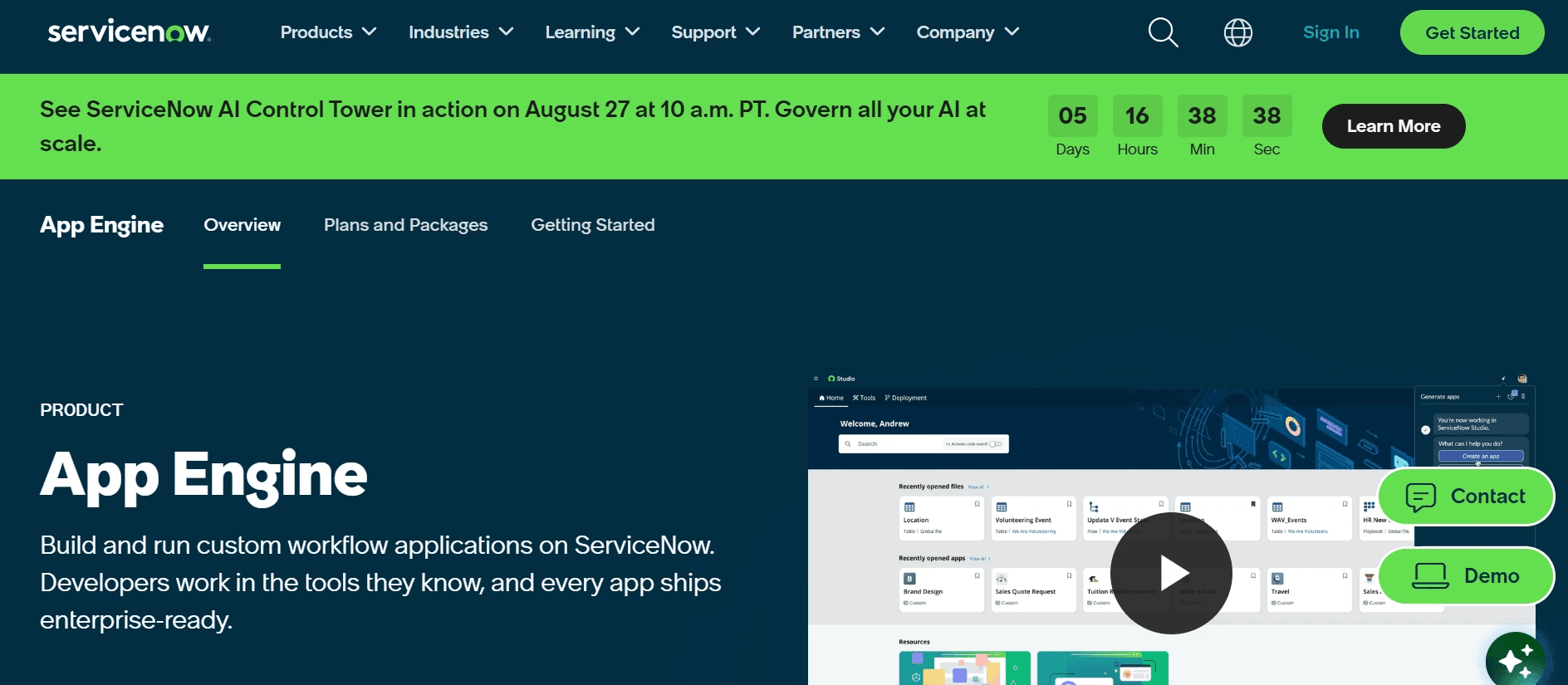
ServiceNow App Engine enables teams to build and automate enterprise workflows, service applications, and AI agents on the ServiceNow platform. It is particularly strong for IT, HR, security, and operations teams that need to govern low-code development with native process mining and AI assistance while maintaining tight control over data and compliance.
Features
- App Engine Studio for visual application and workflow design
- Native AI agents and virtual agents for service automation
- Process mining and performance analytics
- Pre-built spokes and integrations across enterprise systems
- Strong governance, role-based access, and audit capabilities
- Mobile and portal experiences from the same platform
- Support for custom scripts and extensions when visual tools reach limits
Pros
Excellent for service-oriented and operational AI agents with mature enterprise security. Reduces specialized talent needs through accessible Studio tools. Pricing is enterprise-contract-based and more predictable than pure object metering.
Cons
Best results appear when the broader ServiceNow platform is already in use. Pure customer-facing or highly branded applications may require additional effort outside the core service domains.
8. Oracle APEX
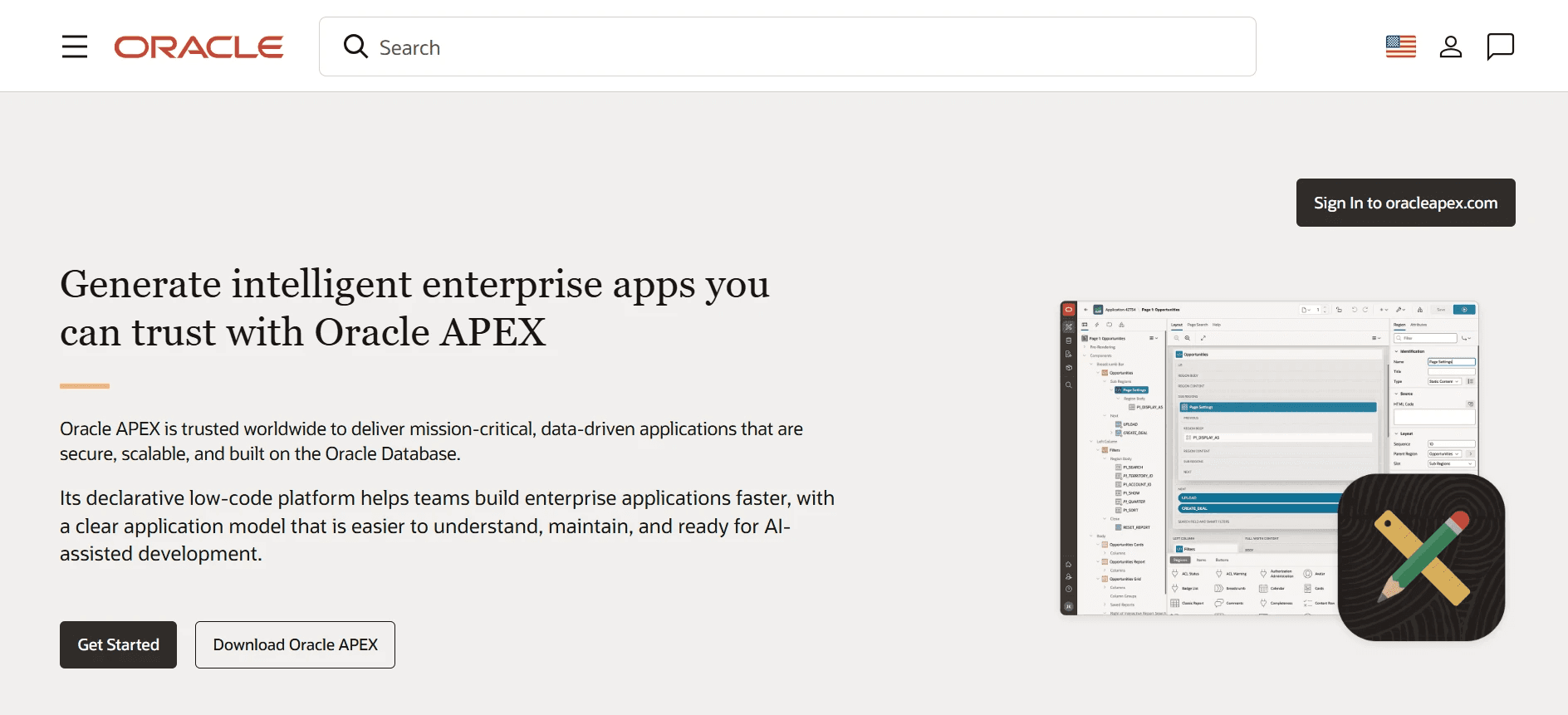
Oracle APEX is a low-code platform tightly integrated with Oracle Database that lets developers and teams rapidly build secure, scalable web applications and data-driven AI solutions. It offers strong portability for organizations already running Oracle infrastructure and avoids heavy proprietary runtimes by generating applications that run directly on the database.
Features
- Visual page designer and component library
- Built-in support for REST services and modern web standards
- SQL and PL/SQL extensibility for complex logic
- AI and machine-learning integration through Oracle Cloud services
- Enterprise security features including authentication, authorization, and encryption
- Responsive mobile-ready applications from a single codebase
- Easy deployment on Oracle Cloud, on-premises, or hybrid environments
Pros
Highly portable within Oracle environments and generates relatively standard applications. Low incremental cost for existing Oracle customers. Strong data security and performance for data-intensive AI workloads.
Cons
Most natural fit remains inside Oracle-centric architectures. Teams without Oracle Database expertise face a steeper initial learning curve for advanced features.
9. Creatio
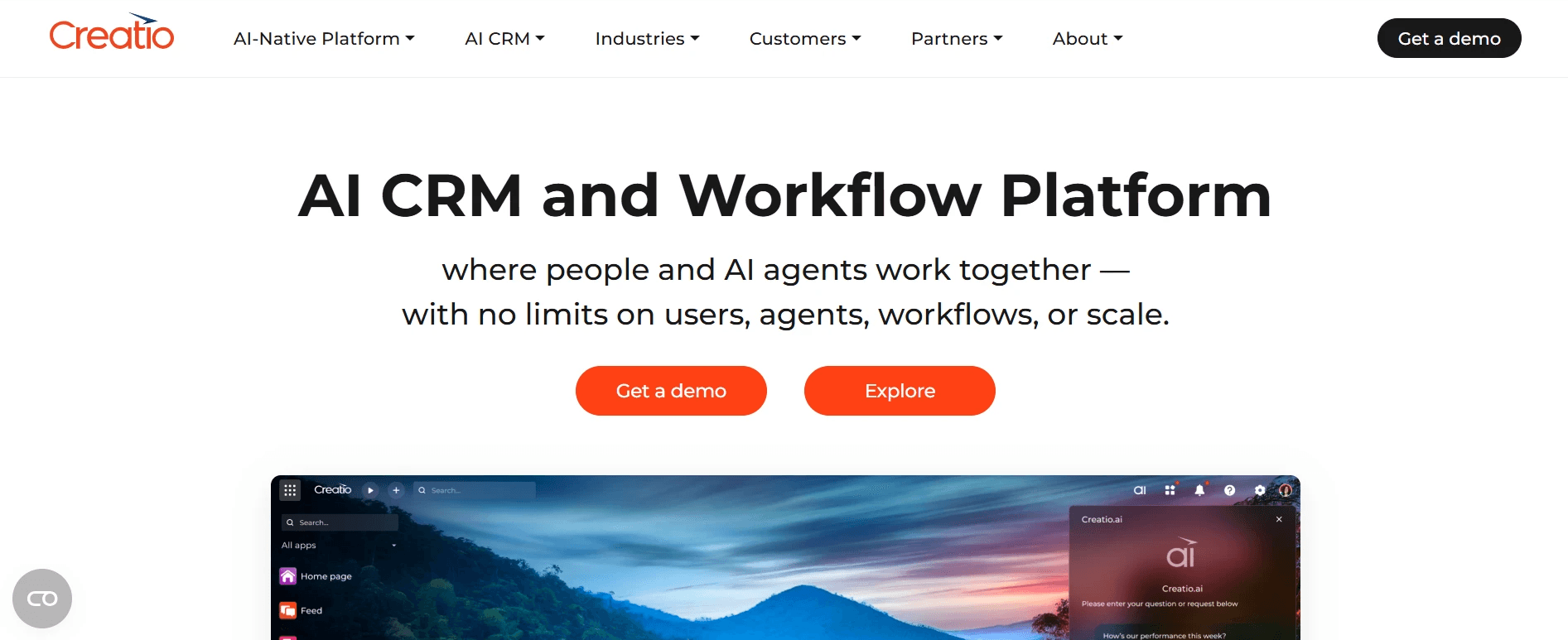
Creatio is a no-code/low-code platform focused on CRM, process automation, and AI-assisted application development. It enables enterprise teams to configure customer journeys, sales processes, and intelligent agents with visual tools while maintaining governance suitable for mid-to-large organizations seeking faster delivery without heavy coding.
Features
- Visual process designer and case management
- AI-assisted recommendations and predictive scoring
- No-code UI and mobile application builders
- Pre-built industry templates and accelerators
- Marketplace of ready-to-use components and integrations
- Role-based access, audit logging, and compliance controls
- Flexible deployment including cloud and on-premises options
Pros
Transparent pricing relative to complex object models and strong support for business users. Good balance of speed and governance for CRM-centric AI agents. Reduces lock-in pressure through more open configuration approaches.
Cons
Less emphasis on highly custom or multi-cloud agent orchestration compared with pure developer platforms. Advanced AI features continue to evolve and may require validation for mission-critical scale.
10. Pega
Pega (Pegasystems) delivers a low-code platform centered on intelligent automation, case management, and AI decisioning. It is designed for large enterprises that need to orchestrate complex, end-to-end processes with AI agents while enforcing enterprise-grade rules, security, and scalability across customer and operational domains.
Features
- Visual case and process modeling
- AI decisioning and predictive analytics engines
- Robotic automation combined with human and agent workflows
- Strong rules engine for policy and compliance enforcement
- Omnichannel customer engagement capabilities
- Built-in DevOps and lifecycle management tools
- Flexible cloud, hybrid, and on-premises deployment
Pros
Excellent for high-complexity, regulated processes where agents must operate under strict business rules. Mature governance and auditability address enterprise risk. Supports fusion teams with visual tools plus professional extensibility.
Cons
Higher entry complexity and cost compared with lighter platforms. Best ROI appears in large-scale process transformation rather than simple departmental apps.
11. Kissflow
Kissflow is a low-code/no-code platform focused on process automation, application building, and AI-assisted development for enterprise teams. It enables organizations to create workflows, internal tools, and AI-powered applications with strong governance while avoiding the complex object-count licensing and heavy proprietary lock-in common in some traditional platforms. Teams use it to move from natural-language prompts to working processes and applications quickly under IT control.
Features
- AI that converts plain-language prompts into workflows, boards, and application structures
- Visual no-code/low-code builders for forms, processes, and custom apps
- Document data extraction and automated field mapping with AI
- Role-based permissions, audit logs, and organization-level governance controls
- Extensive integrations with ERP, CRM, HRMS, and third-party systems via APIs
- Reusable custom components and code-level access for professional developers
- Public and private cloud hosting options with fixed annual agreements
Pros
Clearer, value-based pricing without separate surcharges for AI or API usage helps control costs as agent and application volume grows. Strong support for fusion teams of business users and developers under centralized governance. Faster path from idea to deployed workflow reduces reliance on specialized platform talent.
Cons
Less emphasis on highly complex, multi-agent orchestration or deep legacy modernization compared with some specialized platforms. Best suited for process-heavy and departmental applications rather than large-scale customer-facing systems requiring extreme customization.
How to Choose the Right OutSystems Alternative for Your Team

Choosing an OutSystems alternative means finding the platform that fits your team's development process, AI strategy, technical expertise, and business goals. The right choice helps developers ship AI-powered applications faster while reducing operational complexity, controlling costs, and supporting future growth.
"The right low-code platform doesn't just replace OutSystems — it accelerates your team's velocity, cuts overhead, and positions your stack for long-term scalability." — Platform Engineering Best Practices
💡 Tip: Before committing to any alternative, always audit your team's technical skill level, budget constraints, and AI integration requirements — these three factors will narrow your shortlist faster than any feature comparison.
Decision Factor |
What to Evaluate |
|---|---|
Development Process |
Visual builder vs. code-first workflow fit |
AI Strategy |
Native AI features vs. third-party integrations |
Technical Expertise |
Low-code accessibility vs. pro-dev flexibility |
Business Goals |
Scalability, time-to-market, and cost targets |
⚠️ Warning: Choosing a platform based solely on pricing — without evaluating vendor lock-in risks and long-term scalability — is one of the most common and costly mistakes teams make during migration.
🎯 Key Point: The best OutSystems alternative isn't the most feature-rich option — it's the platform that aligns with how your team actually builds, scales, and delivers value to the business.
Map Who Will Actually Build the Applications
Decide whether professional developers, business users, or both will create and maintain apps. OutSystems targets professional developers and has a steep learning curve for non-technical staff. Platforms supporting citizen developers with visual tools while offering pro-code extension maintain higher delivery capacity—Gartner projects 80 percent of low-code users will sit outside formal IT by 2026. Matching builder personas to the interface prevents the common failure mode where only a small trained group can ship changes and backlogs grow.
Calculate Full Three-Year Total Cost of Ownership
OutSystems Developer Cloud costs $36,300 per year and scales based on Application Objects, users, runtimes, and compliance add-ons. Plan your users, environments, support levels, and three-year growth trajectory to understand expansion costs beyond the first year. Transparent per-user or usage-based pricing eliminates constant sales negotiations, reduces budget surprises, and simplifies finance team approval.
Demand Clear Pricing Transparency
Choose vendors that share their rates and capacity limits publicly instead of requiring sales quotes for every production request. Unclear pricing models prevent accurate forecasting and obscure true growth costs. Public, modular pricing lets teams test features without lengthy buying processes and expand without renegotiating contracts.
Verify IT Governance and Security Controls
Ensure role-based access, audit logs, version control, CI/CD, and compliance certifications (SOC 2, ISO 27001, industry-specific rules) are built in. Strong central governance lets IT set guardrails once so business teams can build safely. Weak governance either slows every change through central review or creates shadow-IT risk that becomes expensive to remediate later.
Test Integration Depth Against Your Real Stack
List the systems the new apps need to connect to: ERP, CRM, databases, and internal APIs. Verify the platform has certified connectors and supports custom ones without extensive custom code. Integration friction is the most common reason low-code projects slow down. Platforms that prioritize connectors as key assets maintain the speed advantage that justified the switch.
Check Deployment Flexibility and Portability
Determine whether the platform supports cloud, hybrid, on-premises, or multi-cloud deployment and whether applications can be exported or extended outside the vendor runtime. Proprietary runtimes that prevent clean exit raise long-term costs. Portability protects your investment if requirements or strategy change.
Measure Time to First Working Application
Run a pilot with the actual team that will use the platform. Measure how long it takes to deliver a production-ready app with required integrations and security controls. Speed on a demo differs from real work; the pilot reveals the learning curve, documentation quality, and hidden friction.
Align With Industry and Compliance Requirements
Industries that are regulated—such as finance, healthcare, government, and insurance—require platforms with proven compliance features and domain expertise. Match the platform's security features and audit capabilities to your specific regulatory obligations rather than accepting general claims.
Assess Scalability Against Projected Growth
Consider how many users, data volume, and transactions your platform will handle in three to five years. Ensure it can accommodate that growth without performance degradation or architectural changes. Early scalability limits force costly migrations later.
Evaluate Team Skills and Training Requirements
Check what skills your developers and business users already have, and compare them to the platform's learning curve and available training. Platforms requiring special certifications can hinder hiring and retention, while those using familiar languages or offering quick training options ease adoption.
Examine Long-Term Vendor Viability and Support
Check that the vendor has stable finances, a clear product roadmap, an active user community, and strong support options. Support should include response time and professional services. A platform that solves today's problem but lacks good support becomes a liability when something critical fails.
Confirm Exit and Data Ownership Rights
Check the contract language for data export rights, application portability, and termination terms. Clear exit paths preserve your negotiating power and prevent vendor lock-in. Use the selection criteria above in order, test with a real pilot, and the choice becomes based on evidence rather than marketing.
Why Enterprise Teams Choose CodeGiant for AI Automation

The enterprise teams already building in production share one thing in common: they stopped treating governance and speed as opposing forces. That tension between moving fast and staying compliant is exactly where most enterprise AI programs get stuck — not because the technology isn't ready, but because the platform underneath wasn't built for the weight of real operations.
"The tension between moving fast and staying compliant is where most enterprise AI programs get stuck — not because the technology isn't ready, but because the platform underneath wasn't built for it."
🎯 Key Point: The difference between AI programs that stall and those that ship to production isn't talent or ambition — it's whether the underlying platform was designed to carry enterprise-grade operational weight.
✅ Best Practice: Choose a platform that treats governance and development velocity as complementary — not competing — priorities. Teams that do this consistently outpace competitors without sacrificing compliance or control.
Platform Characteristic |
Slows Teams Down |
CodeGiant Approach |
|---|---|---|
Governance Model |
Bolted on after deployment |
Built in from day one |
Compliance Controls |
Manual, fragmented |
Automated and centralized |
Development Speed |
Sacrificed for safety |
Preserved alongside safety |
Production Readiness |
Requires heavy customization |
Designed for real operations |
Why do prototypes fail to reach production?
A prototype agent works great in a controlled environment, then breaks on live data because nobody built timeout rules, audit trails, or human-in-the-loop controls into the original design. That gap between sandbox success and production reliability is where months of work disappear. According to AY Automate's AI Automation Statistics 2026, AI automation can reduce operational costs by up to 30% for enterprise teams, but that benefit only materializes when automation reaches production, not when it sits in a pilot indefinitely.
How does tool fragmentation create hidden failure surfaces?
Most teams add extra tools on top of what they already use: one platform for building agents, another for workflow organization, a third for deployment, and a fourth for monitoring. Each handoff creates a failure point. Context gets lost between systems, compliance checks happen manually at the end rather than continuously, and the team that built the prototype maintains a fragile integration web instead of shipping new capabilities.
How do OutSystems alternatives unify build and production in one platform?
An enterprise AI platform handles this differently. Instead of connecting separate tools, CodeGiant embeds agent execution in a Harness Engine that ensures predictable behavior, provides clear visibility, and applies policy controls at the infrastructure level. The same platform that builds the agent deploys, monitors, and maintains it within the customer's own infrastructure across AWS, Azure, Google Cloud, and other environments. Security and compliance teams review something that already exists inside their perimeter rather than a foreign runtime.
Why legacy systems aren't the blocker people think they are
Critical logic locked inside COBOL or aging proprietary systems is often blamed for slowing down AI adoption. Teams assume modernization requires a complete rewrite: two years of risk before anything ships. That assumption is wrong and expensive. CodeGiant's automated modernization pipelines extract logic, resolve dependencies, and convert legacy source files into agent-ready services without rip-and-replace. A core banking system that previously blocked AI integration becomes an API surface that new workflows can call while existing operations continue uninterrupted.
Why do so many teams stall between exploring AI and shipping it to production?
AY Automate reports that 77% of businesses are either using or exploring AI automation. However, the gap between exploration and production deployment remains wide because legacy infrastructure constrains progress. Teams that close that gap fastest aren't those with the most modern stacks, but those using platforms that treat legacy systems as assets to connect rather than liabilities to eliminate. That reframe transforms the economics of an AI program. The real question isn't whether your organization is ready for production AI, but whether the platform you're building on was designed to take you there.
Try CodeGiant's Enterprise AI Platform Today
Enterprise AI platform CodeGiant brings AI application development, workflow automation, enterprise integrations, and legacy modernization into one unified environment, eliminating tool sprawl and enabling deployment in regulated, high-stakes environments.
"One environment for AI development, workflow automation, enterprise integrations, and legacy modernization — no tool sprawl, no compromise." — CodeGiant
🎯 Key Point: CodeGiant consolidates every critical capability — from AI application development to legacy modernization — into a single platform, so your team stops juggling tools and starts delivering results.
Request a demo to see how your team can connect existing enterprise systems, build production-ready AI agents, and move from proof of concept to deployment without adding operational complexity. CodeGiant is built for organizations that cannot compromise on control, compliance, or reliability.
✅ Best Practice: Before evaluating any enterprise AI platform, confirm it supports regulated deployment environments. Control, compliance, and reliability are non-negotiable for high-stakes organizations.
💡 Tip: Use the CodeGiant demo to map your existing enterprise systems directly to its integration layer—the fastest way to validate production-ready fit before committing to full deployment.
Related Reading
- Enterprise Architecture Modernization
- Rpg Modernization
- Iseries Modernization
- Application Modernization Benefits
- .net Modernization
- Application Modernization Roadmap
- Cobol Replacement
- Insurance Legacy Modernization