Appian is a popular choice when evaluating application modernization tools, but its licensing fees, user costs, and platform pricing can scale quickly. Many teams find themselves paying for capabilities they rarely use, which makes it practical to understand exactly what drives the bill before renewing or expanding a contract.
Reducing software spend does not have to mean sacrificing functionality. Teams looking to modernize legacy applications and automate workflows at a lower cost have a strong alternative in CodeGiant's enterprise AI platform.
Table of Contents
- What is Appian and What Does It Offer?
- What Is Appian Pricing, and What Does It Include?
- Is Appian Pricing Worth It for Enterprise Teams?
- Appian Pricing: 11 Cost-Saving Tips for IT Teams in 2026
- When Your Team Should Consider an Appian Alternative
- Why Enterprise Teams Switch From Appian to CodeGiant for AI Automation
- Try CodeGiant's Enterprise AI Platform Today
Summary
- Appian's pricing structure is intentionally opaque, with no public tier table and every contract negotiated individually. Full platform access can exceed $200 per user per month, and enterprise contracts often start at $100,000 per year. That opacity creates a real problem for procurement teams, who cannot model actual costs until they are already deep in a sales cycle.
- Minimum seat commitments create fixed overhead that many teams underestimate before signing. Enterprise agreements typically impose a floor of around 100 users, meaning a team of 45 still pays for 100 seats. At the entry-level Standard plan rate of $75 per user per month, that floor produces an annual subscription of $90,000 before a single workflow is built.
- The subscription line is rarely the total cost. Independent analyses of real deployments show first-year total costs running 1.5 to 3 times the base subscription once professional services, training, additional environments, and support are included. A 200-user deployment with a $180,000 subscription has reached $475,000 in documented first-year scenarios, and research indicates hidden fees can increase total costs by 30 to 50 percent above base licensing.
- Usage cap structures introduce variable cost risk that is easy to overlook during contract negotiations. Standard plans include 200,000 AI Actions per month and 5 RPA bots, while intelligent document processing carries its own page quotas. Exceeding any threshold triggers additional charges whose rates are not disclosed until the contract is signed, which means processes that scale unpredictably can turn a fixed subscription into an open-ended cost center.
- Enterprises report up to 40 percent reduction in development time when switching to AI-native automation platforms, according to CIO Dive. That gap compounds across every sprint and deployment cycle. When teams spend more effort working around platform constraints than building the systems the business actually needs, the cost shows up not just in hours but in delayed modernization timelines and AI initiatives that stay in pilot mode longer than planned.
- For organizations in regulated industries, where data residency, perimeter security, and audit continuity are non-negotiable, running AI workloads inside a vendor-managed environment introduces a structural tension that licensing terms alone cannot resolve. The choice between a platform that keeps AI capabilities inside its own governed product suite and one that extends those capabilities into the organization's own infrastructure is not a preference. For many enterprises, it is a compliance requirement.
- CodeGiant's enterprise AI platform addresses this by letting teams build production-grade applications, agents, and workflow automations directly on top of existing infrastructure, deployed into their own cloud environment, without migrating workloads or accepting a closed ecosystem with consumption caps they cannot fully predict.
What is Appian and What Does It Offer?
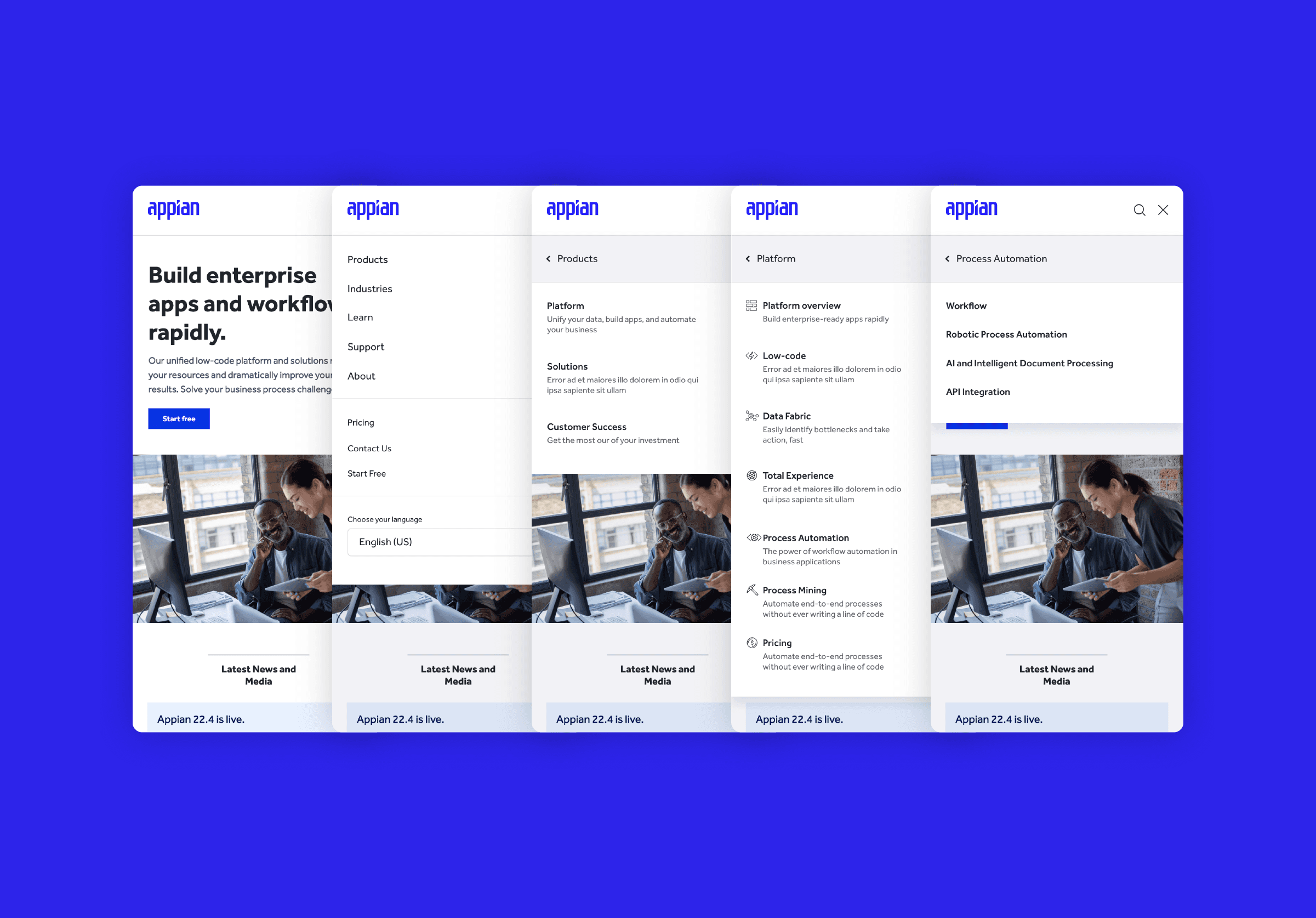
Appian is a process automation and low-code platform built for large companies that need to coordinate complex work across people, systems, and data — without writing a lot of custom code. It combines workflow orchestration, robotic process automation (RPA), AI agents, and data integration into a single governed environment, specifically targeting regulated industries where auditability, security, and process consistency are critical non-negotiables.
"Appian unifies workflow orchestration, RPA, AI, and data integration in one platform — purpose-built for enterprises where compliance and consistency cannot be compromised."
💡 What Makes Appian Unique: Unlike standalone automation tools, Appian delivers end-to-end process control in a single governed environment — making it especially powerful for regulated industries that demand full traceability.
🔑 Key Takeaway: Appian's real strength lies in combining four core capabilities under one roof — eliminating the fragmentation that typically plagues enterprise automation stacks.
Core Capability |
What It Does |
|---|---|
Workflow Orchestration |
Coordinates tasks across people and systems |
Robotic Process Automation |
Automates repetitive, rule-based processes |
AI Agents |
Adds intelligent decision-making to workflows |
Data Integration |
Unifies data across disparate enterprise systems |
What makes Appian different from standard low-code tools?
The critical difference is scope. Most low-code platforms let you build forms and simple approval flows. Appian orchestrates entire operational processes, connecting legacy systems, cloud applications, and human decisions in one continuous workflow. When a claims handler in insurance or a compliance officer in banking needs a process that routes work, applies business rules, triggers external system actions, and logs every step for audit purposes, Appian solves that problem.
Founded in 1999, Appian has spent over two decades refining its approach to enterprise process management. The company now employs approximately 1,400 people, a lean team for the scale of problems it addresses. This ratio signals a product-led organization that invests heavily in platform capability rather than professional services. For buyers, the platform itself determines success.
Does Appian deliver governance that enterprise industries actually require?
Most enterprise teams evaluating Appian start by comparing features, but the more important question is whether the platform delivers production-grade results at the governance level their industry demands. Teams in financial services, healthcare, and government discover that AI experimentation tools and enterprise-grade process platforms are distinct categories. An AI feature that works in a sandbox differs fundamentally from one operating inside an auditable, policy-governed workflow. The platform includes AI features for high-accuracy document processing with semantic search capabilities—capabilities that become valuable only when integrated into a governed process rather than operating alongside one.
Why do fragmented integration stacks create risk at scale?
Many large organizations connect specialized tools with custom integrations: a separate RPA tool here, an AI service there, a data warehouse elsewhere. As processes grow more complex and regulatory oversight increases, those connection points become weak spots. Audit trails fragment. Data consistency breaks down. Exceptions fall through gaps between systems. Our CodeGiant enterprise AI platform works differently. We help organizations build production-grade applications and automations directly on top of their existing technology stacks, avoiding layered complexity.
Is unified process control worth the Appian Pricing investment?
What Appian offers is a bet that unified process control justifies the platform investment. Every enterprise buyer eventually confronts whether that bet pays off at their specific price point, and the answer is rarely straightforward. But what that price includes, and what it does not, is where the real evaluation begins.
Related Reading
- Application Modernization Tools
- What Is Application Modernization
- How To Modernize Legacy Systems
- Build Internal Tools
- Cobol Modernization
- Mainframe To Cloud Migration
- Legacy Software Modernization
- Cobol To Java
- Technical Debt Management
- Ai Governance
- Legacy System Modernization
What Is Appian Pricing, and What Does It Include?
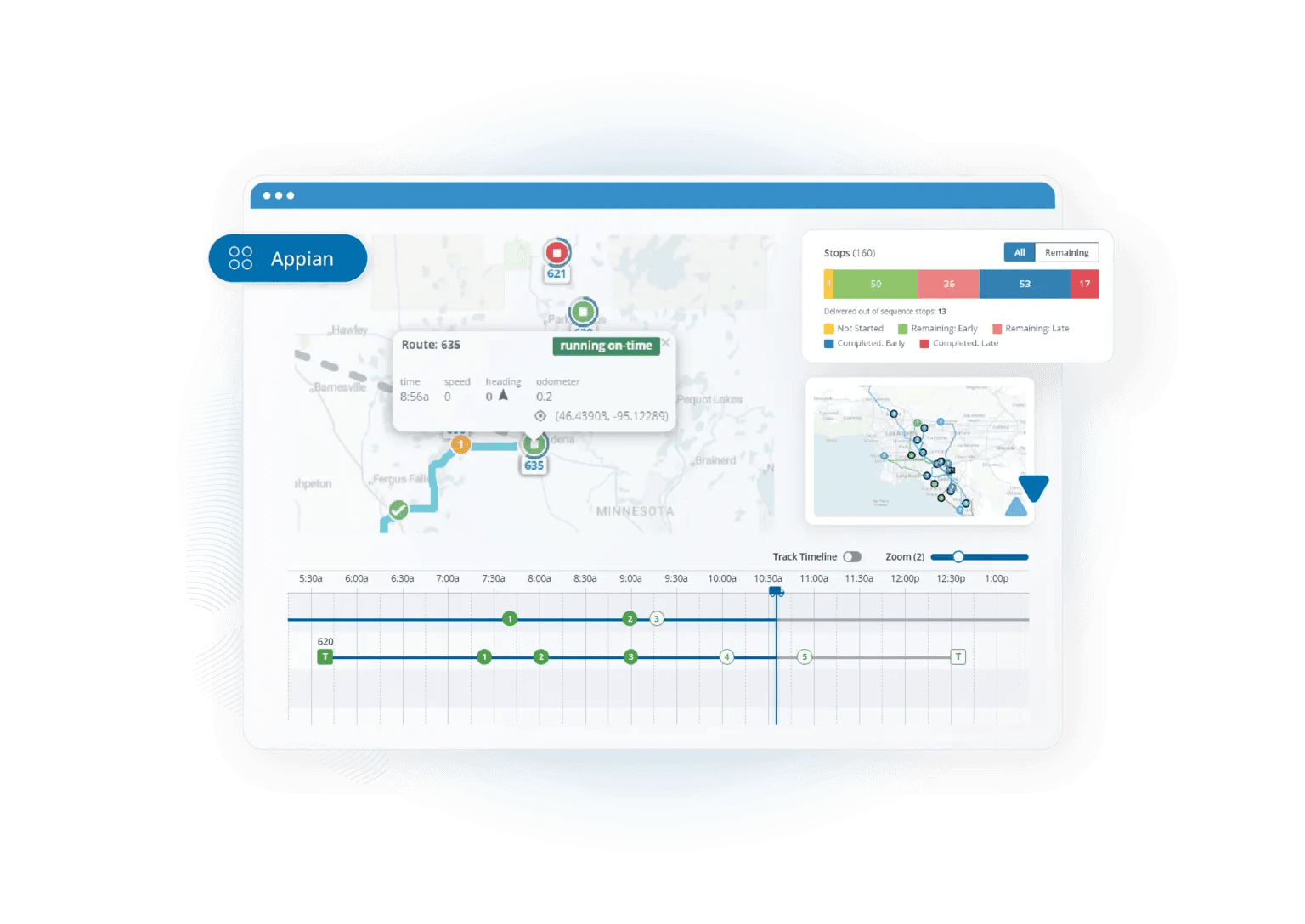
Appian pricing isn't published. You won't find tiers, limits, and totals on their website; every quote is custom and negotiated. This lack of transparency means procurement teams can't determine actual costs until late in a sales cycle.
"Every quote is custom and negotiated — procurement teams can't figure out real costs until late in a sales cycle."
💡 What This Means: Unlike SaaS tools with public pricing pages, Appian requires direct vendor engagement before you can assess budget fit. Plan for a longer evaluation timeline than expected.
Full platform access costs over $200 per user per month, while enterprise contracts often start at $100,000 per year. These numbers immediately reveal who Appian targets and what budget conversation you need before the first demo ends.
Pricing Tier |
Estimated Cost |
|---|---|
Per User (Full Access) |
$200+/month |
Enterprise Contract (Starting) |
$100,000+/year |
Published Pricing Page |
Not available |
⚠️ Warning: Going into an Appian demo without a pre-approved budget range is a common mistake — these are enterprise-level price points, not SMB tools.
🎯 Key Point: The $100,000+ annual starting point signals that Appian is built for large enterprises, not teams exploring low-cost automation options.
What the three tiers actually deliver
The three commercial tiers—Standard, Advanced, and Premium—share the same core features: low-code process development, mobile apps, case management, and a cloud database. They differ in capacity and capabilities. Standard limits your data fabric to a single source and caps RPA at five bots. Advanced opens multiple data sources, unlocks Process HQ, and raises the RPA ceiling to 25 bots. Premium removes the row limit entirely, adds transparent data encryption for synced records, and lifts the bot cap altogether. If your automation workload outgrows Standard's thresholds mid-contract, you'll need to renegotiate.
How does Appian pricing handle minimum seat commitments?
The failure point is usually the minimum commitment. Enterprise agreements typically impose a floor of roughly 100 users, meaning a team of 45 pays for 100 seats. Standard plans begin at $75 per user per month, producing an annual subscription of $90,000 before a single workflow is built. Unused seats remain on the invoice.
What does Appian pricing look like beyond the base subscription?
Most teams treat the subscription line as the total cost, but first-year total costs typically run 1.5x to 3x the base subscription once professional services, training, additional environments, and premium support are included. A 200-user deployment with a $180,000 subscription has reached $475,000 in documented first-year scenarios, reflecting the integration work and specialist knowledge required to set up the platform effectively. Teams building on platforms designed to augment existing systems rather than replace them often encounter lower integration costs from the outset.
Where overage risk hides
The quietest cost in any Appian contract is the usage cap structure. Standard entitlements include 200,000 AI Actions per month and 5 RPA bots. Advanced raises those to 500,000 and 25. Premium reaches one million AI Actions with no bot ceiling. Intelligent document processing carries its own page quotas: 20,000 on Advanced and 50,000 on Premium. Exceeding these limits triggers additional charges whose rates remain undisclosed until contract signing. For processes that grow unpredictably—such as claims intake, document review, or customer onboarding—those caps transform a predictable subscription into a variable cost center with no upper limit.
But knowing what the pricing includes is only half the equation. The harder question is whether what you're paying for delivers production-grade outcomes your enterprise requires.
Is Appian Pricing Worth It for Enterprise Teams?
Appian pricing delivers real value to large regulated companies with complex, multi-system workflows, dedicated implementation teams, and multi-year automation roadmaps. Outside that specific profile, the math rarely works in your favor.
"Appian pricing delivers real value — but only for organizations with complex, multi-system workflows and long-term automation commitments. For everyone else, the cost-benefit equation is a hard sell."
💡 Tip: Before committing to Appian's enterprise pricing, audit your organization against the three core criteria — regulatory complexity, multi-system integration needs, and a dedicated implementation team. If you're missing even one, the ROI case becomes significantly harder to make.
⚠️ Warning: Appian is not a plug-and-play solution. Without a multi-year automation roadmap and the internal resources to support it, you risk paying enterprise-level costs for mid-market results.
Org Profile |
Appian Pricing Verdict |
|---|---|
Large regulated enterprise with complex workflows |
✅ Strong ROI potential |
Dedicated implementation team in place |
✅ Worth the investment |
Multi-year automation roadmap defined |
✅ Math works in your favor |
Small or mid-size team, simple workflows |
❌ Cost rarely justified |
No long-term automation strategy |
❌ High risk, low return |
🔑 Takeaway: Appian is purpose-built for a narrow but powerful enterprise profile. If your organization fits that mold — regulated industry, complex integrations, and a long-term vision — the platform's value is undeniable. If it doesn't, your budget is almost certainly better spent elsewhere.
Where does Appian Pricing create the most cost pressure?
The gap between budgeted and actual spend extends beyond licensing. Enterprise deployments cost more than $500,000 per year for large teams, excluding training, change management, and internal staff needed to maintain production standards. When operational costs are added to the base license fee, the return-on-investment case from vendor presentations weakens in quarterly budget reviews.
What do verified user reviews say about Appian Pricing?
The failure point is the assumption that platform fees represent total commitment. On G2, where Appian holds a 4.5 overall rating, verified users cite "high licensing costs" as significant drawbacks despite praising development speed. Capterra's 4.2 value-for-money score notes the platform "might be costly for small and medium enterprises" with pricing "on the higher side." PeerSpot contributors rate pricing 6.5–8 out of 10 on an expensive scale and note limited flexibility beyond user counts.
When do platform overages become a structural budget problem?
Most enterprise teams treat the platform as fixed infrastructure and absorb overages into operational budgets until they become structural. Teams extending existing technology stacks rather than replacing them wholesale often find that our CodeGiant platform offers better predictability by extending what they already own rather than licensing access to closed ecosystems with unpredictable consumption caps.
What does Appian Pricing actually require to be worth it?
Appian's pricing structure rewards commitment and punishes unclear planning. If your use case is well-defined, your user count is stable, and your implementation team has prior Appian experience, the platform's process orchestration depth can justify the spend. But if any of those conditions are uncertain, you're paying premium rates for a system that will surface its real cost requirements only after you're embedded in it. The scale of the numbers involved means the margin for miscalculation is thin.
Does Appian Pricing give your organization room to build and scale?
Every dollar spent on licensing, implementation, and support is a dollar unavailable for step-by-step, feature-by-feature modernization that advances your enterprise systems. The question worth asking isn't whether Appian can deliver production-grade automation—it can. The more important question is whether the pricing model gives your organization the flexibility to build, test, and scale without committing your entire modernization budget to a single platform decision made before you fully understood the situation. That question is where the most important enterprise decisions get made.
Related Reading
- As400 Modernization
- Enterprise Ai Governance
- Public Sector Digital Transformation
- Mendix Alternatives
- Appian Alternatives
- Ai Agent Pricing
- Outsystems Vs Mendix
- Outsystems Alternatives
Appian Pricing: 11 Cost-Saving Tips for IT Teams in 2026
Appian cost savings start by matching your licensing, deployment, and automation strategy to what your business actually needs. This way, you avoid paying for capacity and features you don't use. The tips below help enterprise IT teams lower total cost of ownership while keeping performance and scalability strong.
"The most effective way to reduce Appian spend is to align licensing and deployment choices with real business requirements — not projected or aspirational ones." — Enterprise IT Best Practices
Cost Driver |
Optimization Strategy |
Potential Impact |
|---|---|---|
Licensing |
Match tiers to actual usage |
Eliminate overpaying for unused capacity |
Deployment |
Align model to workload needs |
Reduce infrastructure overhead |
Automation Strategy |
Target high-ROI processes first |
Maximize value per dollar spent |
💡 Tip: Before renewing your Appian contract, conduct a full audit of your current feature utilization — unused capabilities are one of the biggest sources of avoidable cost.
🎯 Key Point: Lowering total cost of ownership (TCO) doesn't mean sacrificing performance or scalability — it means building a smarter, leaner strategy from the ground up.
1. Negotiate Volume Discounts Early in the Sales Cycle
Appian uses clear volume bands that lower the cost per user as seat count increases. UK G-Cloud documents show the cost per user drops by approximately 46 percent when scaling from 100 to 500 users. Bring competitive quotes and multi-year volume projections to initial negotiations. A 30–40 percent discount off list is standard for new enterprise deals.
2. Classify Users by Access Frequency
Appian separates users into three types: frequent, infrequent, and input-only. Infrequent licenses cost significantly less. Review login data to move occasional users to the lower-cost option. Auto-deactivation rules in the Admin Console reclaim seats after set inactivity periods, preventing unused software from inflating your monthly bill.
3. Cap AI Action and Document-Extraction Consumption
Standard tiers include 200,000 AI Actions per month and limited document pages. Advanced and Premium tiers raise those limits but still track usage. Set dashboard alerts at 70% consumption. Route routine classification to lighter models or batch processing, and negotiate hard caps or overage credits before rolling out to production.
4. Consolidate Redundant Process Models
Each extra process model and portal incurs separate fees or higher-tier requirements. Map overlapping workflows across departments and combine them into fewer shared applications. Organizations that rationalize from dozens of point solutions into a handful of governed apps report measurable reductions in both license and maintenance spend.
5. Lock Multi-Year Terms with Escalation Caps
Work out fixed escalators of 3 percent or less or set dollar limits when signing the contract. Add rights to obtain competitive bids and limited exit windows upon renewal to prevent vendors from leveraging sunk implementation costs for larger price increases.
6. Right-Size RPA Bot Entitlements
Standard includes five bots, Advanced raises the limit to 25, and Premium removes the ceiling. Track actual bot use over a full quarter before upgrading, as idle or under-used bots still count against entitlements and push teams into higher tiers. Reassign under-performing bots to high-volume processes or decommission them to remain within the lower-cost band.
7. Reserve Community Edition Strictly for Training and Prototyping
The free Community Edition supports up to 15 active users with restricted production features. Use it for developer onboarding, proof-of-concept work, and internal training. Move to paid tiers once the prototype proves value.
8. Scope Implementation Services Tightly
Independent cost analyses show that departmental implementations cost between $100,000 and $300,000, while enterprise efforts exceed $300,000. Define clear success criteria, limit custom plugins, and insist on fixed-price or not-to-exceed clauses with delivery partners. Avoid open-ended change orders that routinely double first-year professional-services costs.
9. Exploit Data Fabric to Cut Integration Overhead
Data Fabric brings together multiple sources without building separate connectors for each system. Each avoided custom integration reduces ongoing development and support costs. Prioritize high-traffic data sources first for maximum savings.
10. Select the Lowest Support Tier That Meets SLA Needs
Basic support is included. Advanced and Enterprise support add 18 percent of your subscription cost or have a monthly minimum. Compare your incident volume and required response times against published SLAs. Most teams find the mid-tier covers 99.95 percent uptime requirements, making the top-tier premium unnecessary.
11. Evaluate complementary modernization platforms for selective workloads
When Appian's full-platform licensing costs more than separate modernization tools or agent-driven workflows, purpose-built tools can be added to existing systems.
How can targeted tools reduce Appian Pricing exposure for selective use cases?
Tools like CodeGiant help organizations update, add to, or create production-grade apps and agents directly on their current stack while maintaining full control and compliance. Our App Builder, Agent Builder, and Workflow Builder move projects from prompt to governed production without requiring enterprise-wide low-code subscriptions for every use case. Using our platform for targeted legacy migration or agentic automation reduces Appian seats and process models needed, lowering overall licensing and implementation spend while maintaining enterprise standards.
When Your Team Should Consider an Appian Alternative
Appian delivers a powerful low-code platform for enterprise process automation, but it's not the right fit for every organization. If your team's requirements, budget, or deployment strategy no longer match up with Appian's offerings, evaluating alternatives becomes a practical business decision.
"When your team's requirements, budget, or deployment strategy no longer align with your platform, evaluating alternatives isn't a risk — it's a strategic necessity." — Industry Best Practice
💡 Tip: Don't wait for a failed implementation or budget overrun to start evaluating alternatives — proactive platform reviews save time and money.
⚠️ Warning: Sticking with a platform that no longer fits your organizational needs can lead to costly technical debt, slower process automation, and missed business outcomes.
Signal |
What It Means |
|---|---|
Budget misalignment |
Appian's pricing no longer fits your financial strategy |
Deployment constraints |
Your team needs flexibility Appian doesn't offer |
Feature gaps |
Core requirements aren't met by the platform |
Scaling challenges |
Growth demands exceed current platform capabilities |
Licensing Costs Outpace Delivered Value
Per-user, per-app pricing starts at $75 monthly for the Standard tier and increases with Advanced or Premium features, AI Actions, and RPA bots. G2 reviewers frequently cite high licensing costs as a concern, particularly when only some users need full access. First-year totals often reach two to three times the subscription fee once implementation and support are included. Teams finding the cost misaligned with usage typically explore alternatives better suited to their scale.
Specialized Skills Create Ongoing Dependency
Appian's modeling and expression language help experienced users achieve fast results. However, feedback from G2 and Capterra consistently shows a steep learning curve for complex situations. Deep customization or debugging often requires platform-specific knowledge rather than general coding skills. When your company lacks internal talent or training costs become prohibitive, the platform's low-code promise becomes a specialized resource constraint worth reviewing against alternatives.
UI and Customization Boundaries Limit Brand or Experience Requirements
Users on G2 note that Appian can feel limiting for highly customized interfaces or complex logic outside standard components. While working applications appear quickly, changing appearance, mobile experiences, or advanced front-end behavior often requires extra development effort or plugins. Teams whose stakeholders demand pixel-level control or modern web-framework flexibility reach a point where the platform's templates no longer meet requirements without excessive workarounds.
Vendor Lock-In Raises Exit and Portability Concerns
Applications built in Appian's ecosystem cannot be exported as portable code. Leaving typically means rebuilding processes from scratch. When multi-year contracts approach renewal with escalation clauses or strategic direction shifts toward greater architectural independence, the cumulative investment and switching friction become decisive factors in platform selection.
Elasticity and Scaling Needs Exceed Entitlements
AI Action limits, bot counts, data-source restrictions, and portal caps vary by tier. Sudden spikes in work or user growth can force upgrades or extra fees, making costs harder to predict. Organizations with fluctuating traffic patterns or process volumes find the strict entitlement model less suitable than flexible consumption approaches available elsewhere.
Simpler or Departmental Workloads Do Not Justify Full Platform Overhead
Appian excels at handling complex, regulated, end-to-end processes. For simple approvals, forms, or departmental tools, the full platform's governance, pricing, and implementation overhead become excessive. Teams in this position often seek lighter-weight alternatives that deliver comparable automation without enterprise-scale commitments.
Budget or Organizational Size Falls Outside Target Market
Reviewers on Capterra and PeerSpot note that the platform costs significantly more for small and midsize businesses. Minimum user commitments and professional services starting at hundreds of thousands of dollars suit large, regulated environments better. Smaller IT groups or those with limited budgets consider alternative tools with lower upfront costs and total cost of ownership.
Why Enterprise Teams Switch From Appian to CodeGiant for AI Automation

Money matters, but the real reason enterprise teams switch platforms is the difference between what a platform promises when you buy it and what it actually does when you use it under pressure.
"The gap between a platform's sales pitch and its real-world performance under enterprise pressure is where switching decisions are truly made." — Enterprise Technology Adoption Research
🎯 Key Point: The #1 driver of platform migration isn't just cost — it's the performance gap between promised capabilities and real-world delivery when it counts most.
⚠️ Warning: Never evaluate a platform only on its demo environment. The critical test is how it performs under live enterprise workloads — that's where Appian vs. CodeGiant differences become impossible to ignore.
Evaluation Factor |
What Vendors Promise |
What Reality Delivers |
|---|---|---|
AI Automation Speed |
Instant deployment |
Varies under load |
Scalability |
Unlimited enterprise scale |
Bottlenecks at peak usage |
Total Cost |
Predictable pricing |
Hidden fees emerge |
Support Quality |
24/7 enterprise support |
Response times vary |
🔑 Takeaway: Enterprise switching decisions are rarely impulsive — they're the result of a sustained performance gap that teams can no longer justify tolerating.
What changes when AI moves from pilot to production
The pattern emerges consistently across financial services, healthcare, and government deployments: organizations automate several processes successfully, then hit a ceiling when extending AI capabilities beyond the platform's native boundaries. This ceiling appears when a team needs to connect a new AI agent to a legacy claims system or deploy an automation into a regulated on-premises environment that the platform's cloud runtime wasn't designed to accommodate. At this point, the platform's architecture either justifies its cost or exposes its constraints.
How does Appian Pricing reflect the cost of platform constraints?
According to CIO Dive, companies report up to 40% reduction in development time when switching to AI-native automation platforms. This productivity advantage compounds across every sprint, deployment cycle, and new use case. When development speed slows because teams work around platform limits rather than building through them, modernization timelines delay and AI initiatives stall in demo mode.
What happens when workarounds replace actual platform capability?
Most teams build workarounds inside their licensed platform, treating constraints as configuration problems. When workarounds multiply, teams spend more effort managing the platform than building what the business needs. Enterprise AI platforms like CodeGiant address this by letting teams build production-grade apps, agents, and automations directly on existing infrastructure without moving workloads or accepting a new system as the single source of operational truth.
Why infrastructure ownership changes the calculus
Appian's AI adoption research projects AI spending in the enterprise surpassing $500 billion by 2027. For enterprises in regulated industries, data residency, perimeter security, and audit continuity are non-negotiable requirements. Control over where code runs and where data is stored is a compliance requirement.
How does infrastructure control affect Appian Pricing decisions for regulated enterprises?
Platforms built for enterprise modernization add AI capabilities to an organization's existing infrastructure. They preserve business logic in current systems while layering new agent-ready services on top. For organizations with large volumes of aging applications, this approach avoids the cost and risk of wholesale platform replacement and accelerates modernization. The real question isn't which platform has better features, but whether the platform is designed to meet your enterprise where it operates, or whether your enterprise must reshape itself around the platform's boundaries.
Related Reading
- Enterprise Architecture Modernization
- Rpg Modernization
- Iseries Modernization
- Application Modernization Benefits
- .net Modernization
- Application Modernization Roadmap
- Cobol Replacement
- Insurance Legacy Modernization
Try CodeGiant's Enterprise AI Platform Today
If your evaluation has found a gap between Appian's pricing tiers and your enterprise's actual production requirements, explore CodeGiant's enterprise AI platform, which is built to modernize, extend, and automate on top of existing systems without replacing what already works.
"The smartest enterprise AI strategy isn't replacing what works — it's extending and automating on top of it." — CodeGiant
💡 Tip: If you're hitting the ceiling of your current platform's pricing tier before its feature limits, that signals your stack needs a better-aligned alternative.
CodeGiant gives enterprise technology teams a single environment to build production-grade AI agents, custom applications, workflow automation, and data integrations — deployed securely into your own AWS, Google Cloud, Azure, Oracle Cloud, or private cloud environment. This means stronger governance, infrastructure aligned with your compliance standards, and a simpler AI stack with fewer disconnected tools. Your team invests in capabilities built around modern AI development rather than paying for unused platform capacity. Visit codegiant.io to review deployment options.
Deployment Option |
Governance Control |
Compliance Alignment |
|---|---|---|
AWS |
Full tenant isolation |
Enterprise-grade |
Google Cloud |
Full tenant isolation |
Enterprise-grade |
Azure |
Full tenant isolation |
Enterprise-grade |
Oracle Cloud |
Full tenant isolation |
Enterprise-grade |
Private Cloud |
Maximum control |
Custom standards |
🎯 Key Point: Unlike platforms that lock you into shared infrastructure, CodeGiant deploys directly into your own cloud environment — giving your team full control over security, governance, and compliance.
✅ Best Practice: Before committing to any enterprise AI platform, verify that it supports your existing cloud provider and aligns with your internal compliance framework — CodeGiant is explicitly built to meet both requirements.