Building internal tools is rarely as simple as it sounds. Custom dashboards, admin panels, and workflow automations each bring their own complexity, and off-the-shelf software almost never fits the way a business operates. That gap between what existing products offer and what teams actually need is where most projects stall, lose momentum, or quietly get abandoned.
Closing that gap requires a smarter starting point, not just more effort. Application Modernization Tools help teams move faster by reducing the guesswork involved in connecting systems, automating repetitive processes, and building apps that hold up under real operational demands. For teams ready to stop piecing things together from scratch, CodeGiant offers a practical foundation through its enterprise AI platform.
Table of Contents
- What Are Internal Tools and Why Are They Important for Modern Engineering Teams?
- What Challenges Do Teams Face When Building Internal Tools?
- What Makes an Internal Tool Successful?
- How to Build Internal Tools: 9 Best Practices for 2026
- How to Choose the Right Internal Tool Development Platform
- How CodeGiant Simplifies Internal Tool Development
- Try CodeGiant's Enterprise AI Platform Today
Summary
- Internal tools represent a structural cost that most engineering organizations underestimate. Companies spend $15.5 billion annually on internal tool development, yet the investment frequently produces fragile workarounds rather than reliable systems. The spending is real, but without a disciplined approach, the returns remain uneven.
- Engineer time is the hidden currency in this equation. Research from Appsmith shows engineers spend up to 30% of their time building and maintaining internal tools rather than shipping product features. That proportion represents a structural drag on every release cycle, not a minor inefficiency, and it compounds as one-off tools multiply across a growing organization.
- Adoption failure is the most common way internal tool investment goes to waste. State of Platform Engineering research shows 45.3% of platform teams identify driving developer adoption as their single largest challenge. Engineers will route around any tool that adds friction to their existing workflow, creating personal scripts and shadow systems that quietly undermine the consistency the original tool was meant to enforce.
- Alignment gaps between builders and users produce tools that solve the wrong problem. Zoom workplace research reports that 97% of employees and executives cite lack of alignment as the primary reason for project failure, and internal tooling projects follow the same pattern. Platform teams that build without regular contact with the engineers using their systems produce rigid interfaces that address edge cases instead of daily friction.
- Well-executed internal tools produce measurable operational outcomes. Organizations that build with validated daily workflows in mind can save employees between 5 and 20 hours per week, and error rates in those environments drop by 50 to 90 percent. That error reduction carries particular weight in regulated industries where operational consistency is a compliance requirement, not just a performance goal.
- Low-code and AI-assisted approaches are changing the math on internal tool delivery. Activant Capital research reports an 80% reduction in time to ship products developed with low-code approaches, and 30% of developer resources are currently dedicated to building internal software. The speed gain matters, but the greater benefit is governance: tools built on a controlled platform skip the compliance obstacles that typically stall deployment.
- CodeGiant's enterprise AI platform addresses the full journey from a governed prototype to a production-grade internal tool by letting teams build apps, automations, and workflows directly on top of their existing systems, with built-in audit trails and human-in-the-loop controls from the first deployment.
What Are Internal Tools and Why Are They Important for Modern Engineering Teams?
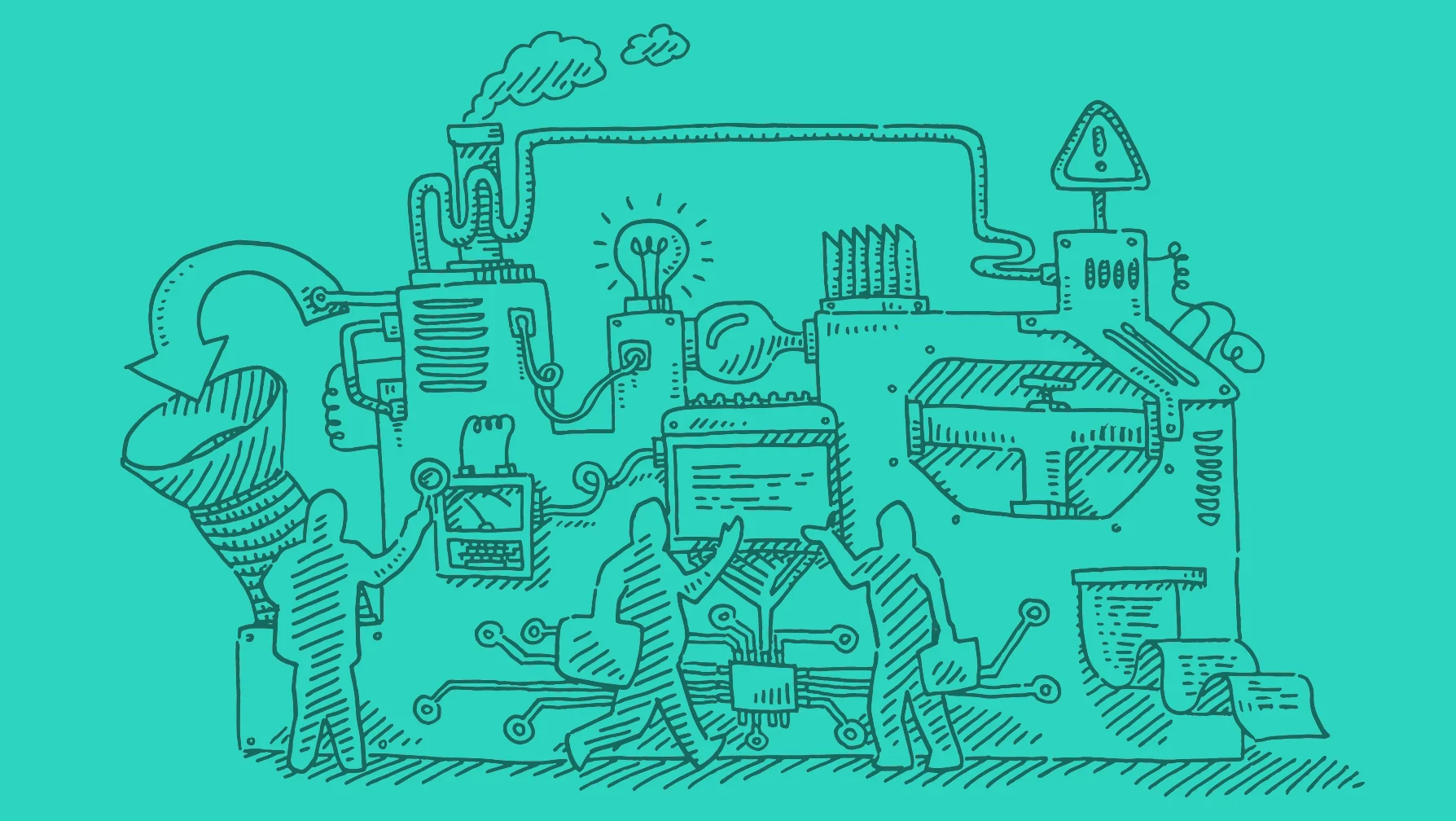
Internal tools are the operational backbone of high-performing engineering organizations. They are custom-built software systems, dashboards, workflow automations, and developer portals that enable teams to work faster, more consistently, and with fewer handoffs.
💡 Definition: An internal tool is any custom-built software solution designed exclusively for your team's workflows: not sold to customers, but built to make your engineers faster, smarter, and more autonomous.
The cost of not having them is very high. Gartner projects that by 2026, 80 percent of large software engineering organizations will establish platform engineering teams to provide reusable services, components, and tools for application delivery — up from just 45 percent in 2022.
"By 2026, 80% of large software engineering organizations will establish platform engineering teams to provide reusable services, components, and tools for application delivery, up from 45% in 2022." — Gartner
🔑 Takeaway: The shift from 45% to 80% represents a massive industry-wide recognition that internal tooling is no longer optional — it is a critical competitive advantage for modern engineering teams.
⚠️ Warning: Organizations that delay investing in internal tools risk falling behind on developer velocity, operational consistency, and team scalability — the real costs compound over time.
With Internal Tools |
Without Internal Tools |
|---|---|
Faster deployment cycles |
Slow, manual handoffs |
Consistent workflows across teams |
Fragmented, error-prone processes |
Reusable components and services |
Duplicated effort across squads |
Higher developer autonomy |
Constant cross-team dependencies |
Why engineering time is the real currency here
The failure point remains invisible until it worsens. DORA research shows that by 2025, 90 percent of organizations reported using an internal developer platform and 76 percent had dedicated platform teams supporting this model. The independence reduces bottlenecks and keeps engineers in a state of flow. Yet most engineering organizations have their best builders spend nearly a third of their capacity maintaining internal machinery—a structural problem that drains productive capacity.
What happens when teams build internal tools without a long-term plan?
Most teams assign whoever is available to build a quick admin panel, deployment script, or data access layer. This works until it doesn't. As the organization grows, those one-off tools multiply, diverge, and quietly become critical systems nobody officially owns. What started as a two-day build becomes a two-year maintenance burden, with original builders long gone.
What changes when internal tools are treated as production systems
Teams that grow treat internal tools as important software with proper access controls, audit logging, documented interfaces, and clear ownership. A well-built deployment portal or governed data access layer preserves institutional knowledge through team turnover and organizational change.
How does a unified platform help teams build internal tools at enterprise scale?
Platforms like CodeGiant's enterprise AI platform offer an alternative to building internal tooling from disconnected components. Our platform helps engineering teams in regulated industries build production-grade apps, APIs, and automations directly on existing systems without compliance risk, delivering internal tooling that meets enterprise standards from the first deployment.
What actually gets in the way when teams try to build internal tools right?
The harder question is what gets in the way when teams try to build internal tools right.
Related Reading
- Application Modernization Tools
- What Is Application Modernization
- How To Modernize Legacy Systems
- Build Internal Tools
- Cobol Modernization
- Mainframe To Cloud Migration
- Legacy Software Modernization
- Cobol To Java
- Technical Debt Management
- Ai Governance
- Legacy System Modernization
What Challenges Do Teams Face When Building Internal Tools?
The problems that stop internal tools from working follow a predictable pattern — and understanding them is the first step toward building tools that actually stick.
"Most internal tools fail not because of bad code, but because of bad process — from unclear requirements to zero user feedback loops." — Internal Tooling Research
Challenge |
Impact |
Risk Level |
|---|---|---|
Unclear requirements |
Wasted dev cycles |
🔴 High |
Scope creep |
Missed deadlines |
🔴 High |
Poor adoption |
Tools go unused |
🟠 Medium |
Maintenance burden |
Team burnout |
🟠 Medium |
Security gaps |
Data vulnerabilities |
🔴 High |
💡 Tip: Before writing a single line of code, document the core problem your internal tool is solving — most teams skip this step and pay for it later.
⚠️ Warning: Scope creep is the silent killer of internal tool projects. Without strict boundaries and a defined MVP, even well-resourced teams can find themselves shipping nothing at all.
The resource trap that compounds over time
Most engineering teams treat internal tooling as secondary work. Engineers spend up to 30% of their time building and maintaining internal tools, yet this work gets assigned to whoever has spare capacity. The result: half-finished workflows, undocumented logic, and systems only the original author can safely touch, creating structural drag on every release cycle.
When adoption fails, the tool becomes invisible
The failure point is usually not the code—it's the gap between what was built and what engineers need under deadline pressure. Platform Engineering research shows 45.3% of platform teams name driving developer adoption as their single largest challenge. Engineers will find ways around any tool that makes their workflow harder, creating personal scripts, maintaining unofficial forks, and building shadow systems that undermine consistency and security standards. The tool launches, gets announced in Slack, and within a month becomes a ghost.
What should teams do differently when they build internal tools?
Most teams respond by adding features. The right response is to conduct user research earlier and iterate faster on workflows that matter most to the people doing the work.
Why does informal ownership turn internal tools into liabilities?
The same issue surfaces in financial services, healthcare, and government: a team builds something useful, ships it, and moves on without clear ownership. Dependencies drift, runtime versions diverge, and the tool generates more support tickets than value. In regulated industries, unmaintained internal tools with aging dependencies become compliance risks, not merely technical problems.
How can teams build internal tools with governance built in from the start?
Most teams rely on informal ownership, assuming the builder will maintain it. This breaks down when that person changes teams or leaves. Enterprise AI platforms like CodeGiant address this by enabling teams to build production-grade apps and automations with governance and maintainability standards built in from the start, rather than added later after an audit.
Alignment failures that produce the wrong solution
Most internal tools solve the problem the builder imagined, not the problem the user experiences. Zoom's workplace research reports that 97% of employees and executives cite lack of alignment as the main reason for project failure. Without a shared product mindset and regular contact with engineers using the system, platform teams build on assumptions. The result is rigid interfaces that ignore real workflows, features that address edge cases rather than daily friction, and platforms that feel forced rather than helpful. Developers respond by working around the system, reintroducing the inconsistency the tool was built to eliminate.
What does it actually take to build internal tools that succeed?
The hardest part isn't building the tool. It's knowing what a successful one looks like.
What Makes an Internal Tool Successful?
Knowing what a successful internal tool looks like is only half the equation. The harder question is what actually creates that success — and the answer goes against what most teams naturally think.
"The difference between a tool that gets adopted and one that gets abandoned often has nothing to do with features — it's about fit, trust, and workflow alignment." — Internal Tooling Best Practices
🎯 Key Point: Success in internal tooling isn't defined by how sophisticated the tool is — it's defined by how seamlessly it integrates into the way your team already works.
💡 Tip: Before building or evaluating an internal tool, ask the real question: does this solve a genuine workflow pain point, or does it just look impressive on paper?
Success Factor |
What It Means |
|---|---|
User Adoption |
Teams actually use it daily without being forced |
Workflow Fit |
It matches existing processes, not the other way around |
Reliability |
Zero tolerance for downtime in critical operations |
Iteration Speed |
Teams can update and improve it without long delays |
What drives adoption when teams build internal tools?
Success comes from staying focused on the work engineers do daily and treating the tool as a product that must earn its place rather than a system people are forced to use. The best platform teams achieve 80 percent or higher adoption of core capabilities within six months of launch and maintain Net Promoter Scores above +40. Low adoption signals problems with feature discoverability, documentation gaps, or misaligned capabilities. These issues require immediate attention. Teams that don't measure results continue investing in unused features while underlying problems persist.
What separates tools that get used from tools that get ignored?
The failure point is usually ownership: not technical ownership, but product ownership. A team that assigns someone to understand developer pain, prioritize ruthlessly, and ship in short cycles will consistently outperform a team that builds a comprehensive platform in isolation and launches it with documentation. The former treats internal users as real customers. When engineers feel the tool was built for their actual workflow rather than an idealized version, adoption follows naturally because the path of least resistance runs through the tool, not around it.
Why does scope creep make it harder to build internal tools that stick?
Most teams gather requirements upfront, build a wide range of features, and launch with training sessions. As the tool grows more complex, documentation lags, edge cases multiply, and the gap between what the tool does and what engineers need widens. Teams that build on top of existing systems rather than replacing them avoid much of this complexity. An enterprise AI platform like CodeGiant extends what organizations already have to produce governed, production-grade internal tools without the overhead of starting from scratch, keeping scope narrow and value visible from day one.
Does measurement actually change outcomes?
Measurement reveals friction points requiring attention. Teams tracking workflow completion rates and satisfaction scores identify discoverability problems and documentation gaps before they become permanent workarounds. DORA research from 2024 shows that developer independence—the ability to complete tasks without waiting on an enabling team—produces a 5 percent improvement in productivity at both individual and team levels. When engineers stop filing tickets for routine work, cognitive load drops and delivery speed rises. Tools requiring manual intervention from platform specialists recreate the original bottleneck and undermine the entire investment.
How does immediate feedback help build internal tools that engineers trust?
It is critical to show feedback inside the tool itself. When an engineer starts a deployment, runs a diagnostic, or provisions a resource, they need immediate confirmation of success, failure reasons, and next steps. Tools that hide outcomes in logs or require support tickets to explain results lose trust quickly. Engineers revert to familiar workarounds not because they're better, but because the uncertainty of using the new tool costs more than the inefficiency of the old one. Clear, immediate task feedback converts skeptical first-time users into regular adopters. Even teams that execute all of this still hit one obstacle that quietly determines whether their investment holds at scale.
Related Reading
- As400 Modernization
- Enterprise Ai Governance
- Public Sector Digital Transformation
- Mendix Alternatives
- Appian Alternatives
- Ai Agent Pricing
- Outsystems Vs Mendix
- Outsystems Alternatives
How to Build Internal Tools: 9 Best Practices for 2026
Building internal tools successfully requires starting with a real operational problem, involving end users, and evolving through continuous testing. This structured approach helps engineering teams create tools that save time, improve consistency, and scale.
"The best internal tools are built with the people who use them — not just for them." — Internal Engineering Best Practices, 2026
Best Practice |
Why It Matters |
|---|---|
Start with a real problem |
Ensures the tool has genuine operational value |
Involve end users |
Drives adoption and surfaces hidden requirements |
Continuous testing |
Catches issues early and improves consistency over time |
🎯 Key Point: The most successful internal tools are born from real pain points — not assumptions. Always validate the problem before writing a single line of code.
⚠️ Warning: Skipping end-user involvement is the #1 reason internal tools fail. Teams that build in isolation risk creating tools that nobody actually uses — wasting engineering time and resources.
1. Discover Real Pain Points Through Direct User Research
Talk directly to engineers and map their complete workflows: environment setup, service deployment, and incident response. Note where time disappears into tickets, manual configuration, or scattered knowledge. Observe the process from start to finish rather than relying on descriptions alone. This reveals the biggest problems and most common tasks requiring attention first, and prevents you from solving perceived problems instead of actual ones.
2. Define Scope, Ownership, and Clear Success Metrics
Turn the research into a short list of must-have results written in plain language. Assign clear product ownership so one person stays responsible for keeping it relevant and driving adoption. Document baseline metrics such as ticket volume, task duration, or hours spent on repetitive setup to quantify improvements later. Keep the initial scope small; expanding requirements routinely turns focused weeks of work into months of delay.
3. Choose the Right Internal Tool Development Platform
Decide how the tool will be built before writing significant code. Evaluate full custom development, low-code or no-code platforms, hybrid approaches, or composition of existing infrastructure components against concrete criteria: ability to connect to your current databases, APIs, and systems; support for enterprise security needs such as SSO, role-based access, and audit logs; available team skills; expected delivery speed; long-term maintainability; and the ability to export or migrate work if requirements change.
4. Design the Thinnest Viable Golden Paths
Pick one or two key workflows and create clear, self-service paths that align with your organization's standards. Focus on simplicity, making security the default choice, and providing users with quick feedback after each action. Offer advanced users a way to perform more complex tasks. Document what information goes in, what comes out, and what happens when things go wrong so the path remains useful as your platform scales.
5. Assemble Reusable Components and Required Integrations
Build foundational blocks like templates, infrastructure modules, connectors, and policy checks before investing in polished interfaces. Ensure clean connections to source control, CI systems, cloud providers, and data sources. Reusable components create consistency across teams, accelerate future expansion, and keep initial delivery focused on working functionality.
6. Embed Security, Compliance, and Observability from the Start
Build access controls, policy enforcement, audit logging, and basic diagnostics directly into workflows. Security and compliance checks should run automatically rather than as separate manual steps. Observability must provide clear success or failure results so users can resolve issues without opening tickets. This approach builds trust and avoids costly changes later.
7. Ship a Minimum Viable Version to a Small Pilot Group
Give the smallest complete solution that improves the targeted workflow to one or two willing teams. Avoid perfecting every edge case. Real usage reveals friction that planning alone never uncovers. Gather structured feedback and treat the first release as the beginning of iteration, not a finished product.
8. Measure Results, Iterate Rapidly, and Expand Adoption
Keep track of how much the tool gets used, how many tasks get completed, how much time people save, and what the pilot group thinks about it. Use this information to improve the tool quickly and decide what features to add next. Once the main parts of the tool work well and people find it helpful, roll it out to more people by using service templates, adding it to onboarding, doing regular demos, and creating clear instructions.
9. Establish Ongoing Ownership and Contribution Processes
Assign lasting responsibility for maintenance, dependency updates, bug resolution with defined response times, and roadmap evolution. Publish contribution guidelines so other teams can extend the platform in controlled ways. Clear ownership and regular care prevent the tool from becoming an unsupported liability. Following this sequence produces internal tools that solve genuine problems, earn voluntary adoption through demonstrated value, and scale without creating new forms of toil. Teams that skip discovery, technology selection, or measurement consistently invest effort in unused systems.
How to Choose the Right Internal Tool Development Platform
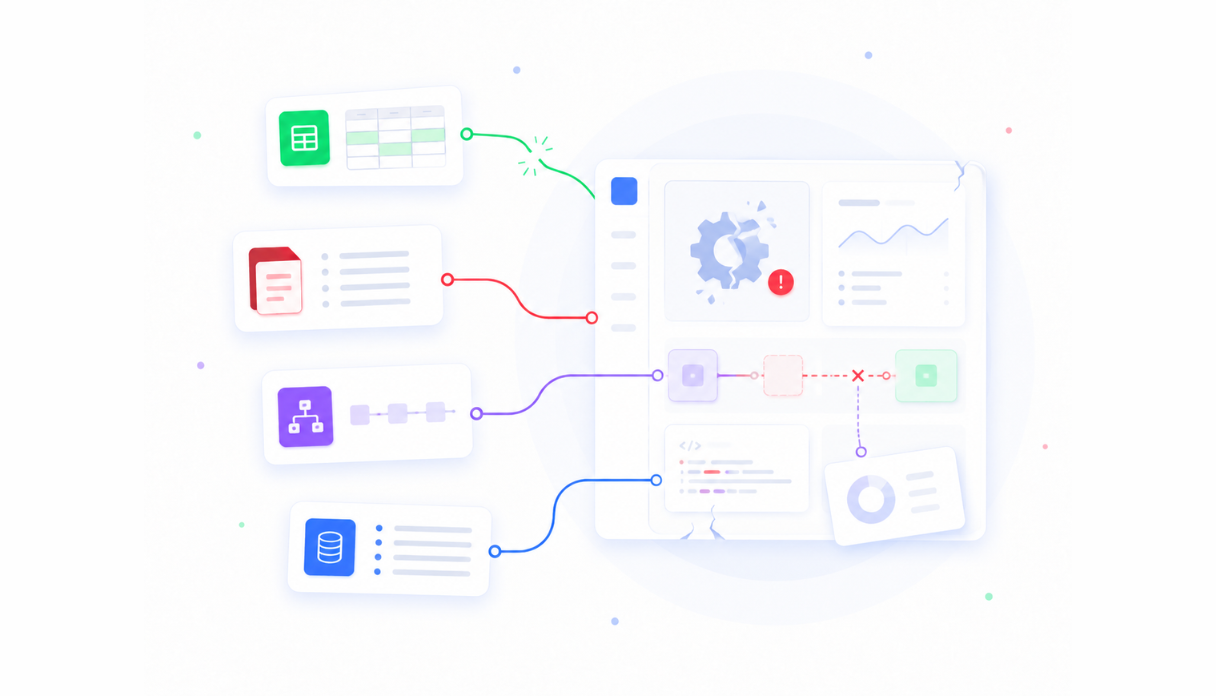
Choosing an internal tool development platform shapes how quickly your team delivers software, how easily systems work together, and how well the solution supports future growth. The right platform removes engineering bottlenecks instead of creating new ones. Evaluating it against your organization's technical requirements, security standards, and long-term goals ensures it remains a strategic asset as your engineering organization evolves.
"The right internal tool development platform doesn't just solve today's problems — it removes engineering bottlenecks and scales alongside your organization's long-term goals."
Evaluation Criteria |
Why It Matters |
|---|---|
Technical Requirements |
Ensures the platform fits your existing stack and workflows |
Security Standards |
Protects sensitive data and meets compliance obligations |
System Integration |
Determines how easily tools connect across your infrastructure |
Long-Term Scalability |
Confirms the platform grows with your engineering organization |
💡 Tip: Before committing to a platform, map it against all three dimensions — speed of delivery, integration capability, and scalability — not just the one that feels most urgent today.
⚠️ Warning: Choosing a platform based solely on short-term convenience is one of the most common and costly mistakes engineering teams make. A platform that solves today's bottleneck but blocks future growth becomes a liability, not an asset.
Clarify Who Will Build and Who Will Use the Tools
Map primary builders and end users. Engineering teams need platforms that support custom code, version control, and CI workflows, while business or operations teams benefit from visual builders that reduce dependence on developers. Document dominant use cases: admin panels, approval workflows, data dashboards, and self-service provisioning. Note the expected concurrent user volume, as mismatched builder profiles create friction and lead to low adoption.
Prioritize Seamless Integration with Your Existing Stack
The platform must connect cleanly to your current databases, APIs, authentication systems, CI/CD pipelines, cloud providers, and ticketing tools without requiring custom adapters. Evaluate native connectors, private network access support, and compatibility with both structured databases and warehouse sources. Weak integration forces data duplication or brittle middleware, increasing maintenance costs.
Require Enterprise-Grade Security, Access Control, and Compliance
Make sure the tool supports single sign-on, detailed role-based access, row-level security, audit logging, encryption, and certifications like SOC 2 or GDPR. Self-hosting or private cloud options are necessary when data residency or regulatory rules prevent third-party hosting. Built-in governance keeps internal tools compliant without manual review steps that slow delivery.
Evaluate Flexibility and the Ability to Extend with Code
Visual speed is valuable only when the platform allows developers to add custom components, write backend logic, or export clean code. Look for progressive disclosure: simple interfaces for common tasks with escape routes for complex requirements. Platforms that lock teams into pure visual construction hit limits quickly on non-standard workflows. Extensibility preserves control and prevents the tool from becoming a bottleneck.
Assess Scalability, Performance, and Reliability Under Real Load
Test how the platform works with growing amounts of data, multiple simultaneous users, and more complex applications. Ensure environment promotion, caching, monitoring, and uptime characteristics match your production expectations. Internal tools that slow down or fail during daily use erode trust—reliability must match or exceed the systems they replace.
Calculate Total Cost of Ownership and Lock-In Risk
Compare payment options based on your expected user count, considering per-creator fees, server and equipment costs, and maintenance requirements. Favor transparent, predictable pricing models. Evaluate options to export your work and self-host the software to maintain control of your applications. Hidden or escalating fees can erode short-term gains and create long-term financial problems.
Run a Focused Pilot with Real Workflows and Real Users
Pick a real internal process and build a basic version on the top platforms on your shortlist. Measure how long it takes to reach the first usable screen, how deep the data binding goes, how difficult access control is to set up, and how well error handling works. Involve actual builders and end users in testing—side-by-side comparisons reveal practical differences that marketing pages never show.
Involve Cross-Functional Stakeholders and Review Support Ecosystems
Include developers, platform engineers, security, and operations representatives in the selection process. Evaluate documentation quality, support responsiveness, community activity, and the vendor's product roadmap. Strong support and active communities accelerate troubleshooting and reduce the burden on internal teams. Teams that evaluate against their real users, integrations, security posture, and ownership requirements select systems that speed up delivery without creating operational debt.
How CodeGiant Simplifies Internal Tool Development

The obstacle that quietly determines whether internal tool investments hold up at scale is resource allocation. Building internal tools competes directly with shipping product, and that tension rarely resolves in favor of the internal tool. According to Activant Capital Research, 30% of developer resources are dedicated to building internal software. The cost appears in delayed features, stretched sprints, and engineers pulled in two directions.
"30% of developer resources are dedicated to building internal software — a silent tax on every engineering team trying to ship product." — Activant Capital Research
🔑 Takeaway: When nearly one-third of your engineering capacity is consumed by internal tooling, every product deadline becomes harder to hit, and the compounding cost is invisible until it isn't.
⚠️ Warning: This 30% resource drain doesn't slow sprints—it creates a structural tension where engineers are perpetually split between building for customers and building for internal teams, with neither side winning.
Where the traditional build cycle breaks down
The failure point is usually not the idea, but the gap between a working prototype and a production-grade tool. Teams spend weeks connecting integrations by hand, writing custom middleware, and managing deployment configurations that were never designed to scale. By the time the tool reaches users, the original problem has been solved by a workaround or has grown beyond what the tool can address.
Why does ownership risk stall efforts to build internal tools?
Most teams assign one or two engineers to own each internal tool as a standalone project with its own infrastructure decisions. Those engineers become the only people who understand it. When they move to other priorities, the tool stagnates: updates slow, bugs accumulate, and usability declines. Platforms like CodeGiant help by enabling the creation of production-grade apps, agents, and workflows on top of existing systems. Our enterprise AI platform separates AI-assisted building from predictable execution, ensuring reliable output that remains auditable.
Why does building on what already exists change everything?
The critical difference between tools that survive and tools that stall is whether they were built as extensions of the current stack or as parallel systems competing with it. Extensions inherit trust. They connect to the Postgres database the team already monitors, the Salesforce instance already governed by compliance, the Slack channels already embedded in daily work. Parallel systems require their own maintenance cycles, security reviews, and adoption campaigns: a high organizational cost for something meant to reduce friction.
How does composing on existing infrastructure help you build internal tools faster?
Activant Capital Research reports an 80% reduction in the time it takes to ship products developed with low-code approaches. When teams build on existing infrastructure rather than rebuilding it, speed gains follow. More importantly, governance improves: internal tools built within a controlled platform ship, while compliance reviews and security checks occur simultaneously rather than as final-stage obstacles.
Why production-grade matters more than fast
In financial services, healthcare, and government, an internal tool that behaves inconsistently under real conditions is a problem. Audit trails, human-in-the-loop controls, and predictable behavior under edge cases matter. Speed without these properties produces demos, not deployable systems. Teams that build internal tools with enterprise-level rigor from the start spend less time defending their tools in security reviews and more time improving the workflows those tools support. Once you understand what it takes to move a governed internal tool from concept to production without losing control of your data or compliance posture, the next question becomes clear.
Related Reading
- Enterprise Architecture Modernization
- Rpg Modernization
- Iseries Modernization
- Application Modernization Benefits
- .net Modernization
- Application Modernization Roadmap
- Cobol Replacement
- Insurance Legacy Modernization
Try CodeGiant's Enterprise AI Platform Today
Our Enterprise AI platform gives engineering teams a single place to build production-ready apps, automate complex workflows, connect thousands of data sources, and deploy directly into their own cloud infrastructure without replacing existing systems. Built-in observability, audit trails, and AI-powered SRE capabilities mean your team ships with confidence.
"A unified platform for building, automating, and deploying without disrupting the systems your team already depends on." — CodeGiant Enterprise AI Platform
💡 Tip: CodeGiant's Enterprise AI platform integrates seamlessly with your existing stack, so your team gains powerful new capabilities without the cost and disruption of a full migration.
For organizations in financial services, healthcare, government, or manufacturing, compliance gaps, unowned automations, and fragile integrations are operational risks — not inconveniences. CodeGiant combines enterprise-grade governance with deterministic workflow execution, ensuring your tools hold up under scrutiny.
Industry |
Key Risk Addressed |
CodeGiant Capability |
|---|---|---|
Financial Services |
Compliance gaps |
Audit trails & governance |
Healthcare |
Data integrity |
Deterministic workflow execution |
Government |
Regulatory scrutiny |
Built-in observability |
Manufacturing |
Fragile integrations |
Thousands of data source connectors |
✅ Best Practice: Don't wait for a compliance incident to expose automation debt. Enterprise-grade governance should be built in from day one — not bolted on after the fact.
🎯 Key Point: Create a free account to explore the platform, or request a demo for enterprise implementations — and see how CodeGiant turns operational risk into a competitive advantage.